Midjourney TV 24/7
Skills:
Image Generation Basics80%
Key Takeaways
Midjourney TV 24/7 stream showcases top videos created by the Midjourney community, using image AI technology, and provides resources for creating own videos and joining the community.
Original Description
24/7 stream of the day's top videos created by the Midjourney community. Best enjoyed in 1080p!
Also viewable at: https://www.midjourney.tv
Create your own videos: https://www.midjourney.com/imagine
🔔 Subscribe to our channel 🔔
Join the discord: https://discord.com/invite/midjourney
Follow us on x: https://x.com/midjourney
Watch on YouTube ↗
(saves to browser)
Sign in to unlock AI tutor explanation · ⚡30
Playlist
Uploads from Midjourney · Midjourney · 14 of 14
← Previous
Next →
1
 2
2
 3
3
 4
4
 5
5
 6
6
 7
7
 8
8
 9
9
 10
10
 11
11
 12
12
 13
13
 ▶
▶

Midjourney Web is Live
Midjourney
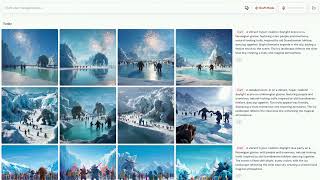
Introducing Draft Mode for Midjourney V7
Midjourney
Introducing Midjourney V1 Video
Midjourney
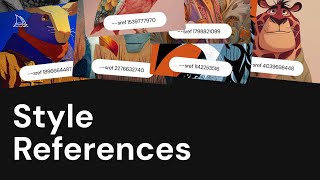
Beginner's Guide to Style References (sref)
Midjourney
How to Use Stylize Parameters
Midjourney
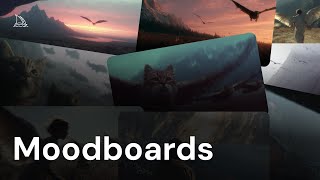
Create and Use Moodboards to Make Images
Midjourney
Get Better Images with Personalization
Midjourney
An Underrated Feature: Chaos / Variety
Midjourney
Create Your First Video
Midjourney
How to Organize Your Creations
Midjourney
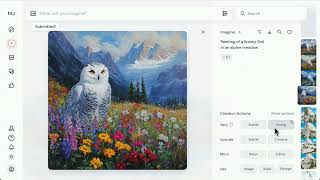
Start Here: Making your First Image
Midjourney
Discover Different Creation Modes
Midjourney
5 Ways to Use Images in Midjourney
Midjourney
Midjourney TV 24/7
Midjourney
More on: Image Generation Basics
View skill →


![Qwen 2.5 AI: Complete Beginner Tutorial [100% Free and OpenSource]](https://i.ytimg.com/vi/kdSSgMDk_QE/mqdefault.jpg)



Related Reads
📰
📰
📰
📰
Guess which row is Meta's new 'Muse' Image Model
Reddit r/artificial
Meta’s Muse Image Explained: What to Know About the New AI Image Model
TechRepublic
# Why Your Image Compressor Should Never Upload Files
Dev.to · 吴美良
# How I Built a Privacy-First Image Compressor with Next.js + Web Workers
Dev.to · 吴美良
🎓
Tutor Explanation
 DeepCamp AI