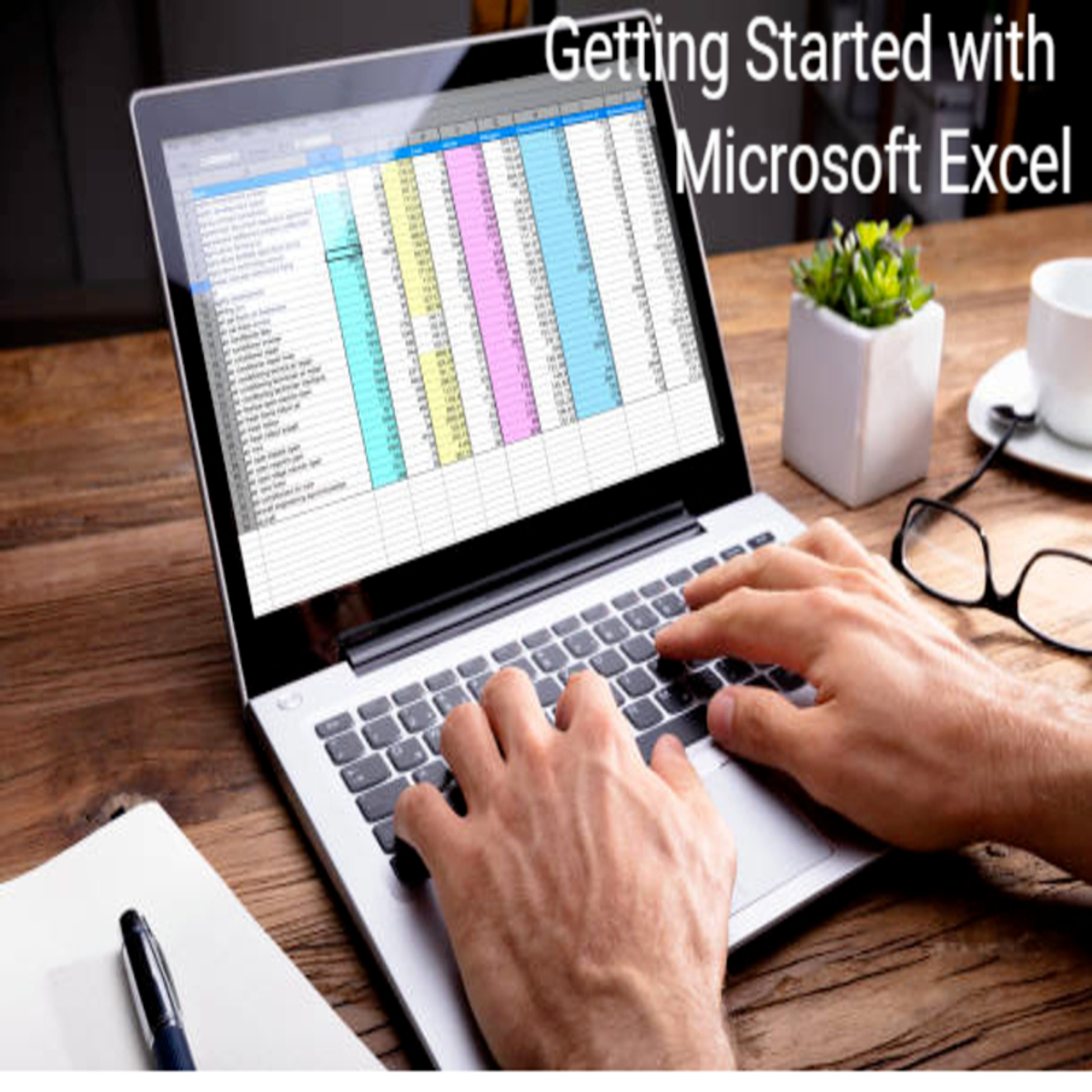
Getting Started with Microsoft Excel
Skills:
Excel & Spreadsheets90%
Key Takeaways
Creates Excel spreadsheets using Microsoft Office Excel for data organization and analysis
Original Description
By the end of this project, you will learn how to create an Excel Spreadsheet by using a free version of Microsoft Office Excel.
Excel is a spreadsheet that works like a database. It consists of individual cells that can be used to build functions, formulas, tables, and graphs that easily organize and analyze large amounts of information and data. Excel is organized into rows (represented by numbers) and columns (represented by letters) that contain your information. This format allows you to present large amounts of information and data in a concise and easy to follow format. Microsoft Excel is the most widely used software within the business community. Whether it is bankers or accountants or business analysts or marketing professionals or scientists or entrepreneurs, almost all professionals use Excel on a consistent basis.
You will learn what an Excel Spreadsheet is, why we use it and the most important keyboard shortcuts, functions, and basic formulas.
Watch on External: Coursera ↗
(saves to browser)
Sign in to unlock AI tutor explanation · ⚡30
More on: Excel & Spreadsheets
View skill →







Related Reads
🎓
Tutor Explanation

 DeepCamp AI