
Excel Functions and Formulas
Key Takeaways
Applies Excel functions and formulas using data analytics techniques
Original Description
This course features Coursera Coach!
A smarter way to learn with interactive, real-time conversations that help you test your knowledge, challenge assumptions, and deepen your understanding as you progress through the course.
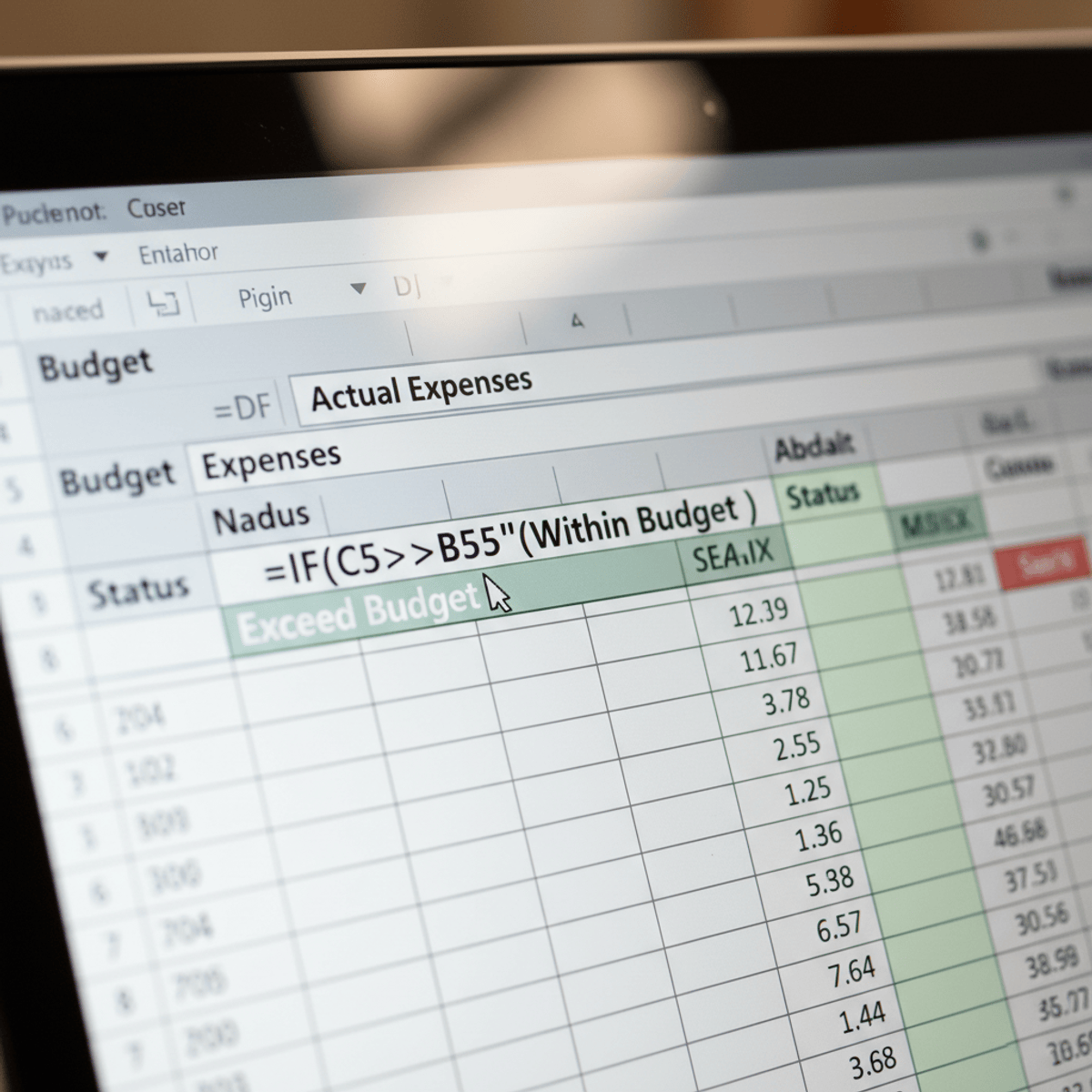
Unlock the full potential of Excel with this comprehensive course on Excel functions and formulas. Whether you're a beginner or intermediate user, you'll gain the skills to efficiently manage data, perform complex calculations, and automate tasks to enhance your productivity. Through step-by-step guidance, you'll learn everything from basic formulas to advanced array functions, giving you a deep understanding of Excel's power and versatility. This course also covers key Excel features like cell references, logical functions, text manipulation, and data analysis techniques, ensuring that you can confidently use Excel in any professional setting.
The course begins with foundational concepts like cell references and copying formulas, leading into practical topics such as managing large datasets with count, sum, and date-time functions. You'll then explore logical functions for decision-making, followed by powerful lookup and reference tools like VLOOKUP. The latter part of the course delves into rounding, statistical functions, and text manipulation to handle more complex data operations. You’ll also learn how to master array formulas to simplify large-scale data calculations.
Designed for anyone looking to enhance their Excel skills, this course is perfect for professionals working with data, students, or anyone aiming to use Excel more efficiently. No prior Excel knowledge is required, but a basic understanding of spreadsheets will be helpful. This course is suitable for beginners, but it will also provide valuable insights for intermediate users looking to take their skills to the next level.
By the end of the course, you will be able to confidently use Excel to manage complex data, perform advanced calculations, create dynamic reports, and
Watch on External: Coursera ↗
(saves to browser)
Sign in to unlock AI tutor explanation · ⚡30
More on: Excel & Spreadsheets
View skill →







Related Reads
📰
📰
📰
📰
Half of Data Engineering Jobs on LinkedIn Aren't Real
Dev.to · DataDriven
Evolutionary Data Through Schemaboi: Achieving Forward, Backwards, and Sideways Compatibility
InfoQ AI/ML
How Morphohack Helped Me Recover €678,000 in Lost Crypto Assets
Medium · Data Science
10 awk and sed Techniques Every Data Analyst Should Know for Data Cleaning and Transformation
Medium · Data Science
🎓
Tutor Explanation

 DeepCamp AI