
The Docker Masterclass for Beginners
Key Takeaways
Teaches Docker for beginners with hands-on training
Original Description
Updated in May 2025.
This course now features Coursera Coach!
A smarter way to learn with interactive, real-time conversations that help you test your knowledge, challenge assumptions, and deepen your understanding as you progress through the course.
Unlock the power of Docker with this hands-on masterclass designed for beginners! You’ll start with a foundational understanding of Docker, exploring its core concepts, advantages, and role in modern development. Through interactive demos and practical exercises, you'll gain firsthand experience in containerization and deployment.
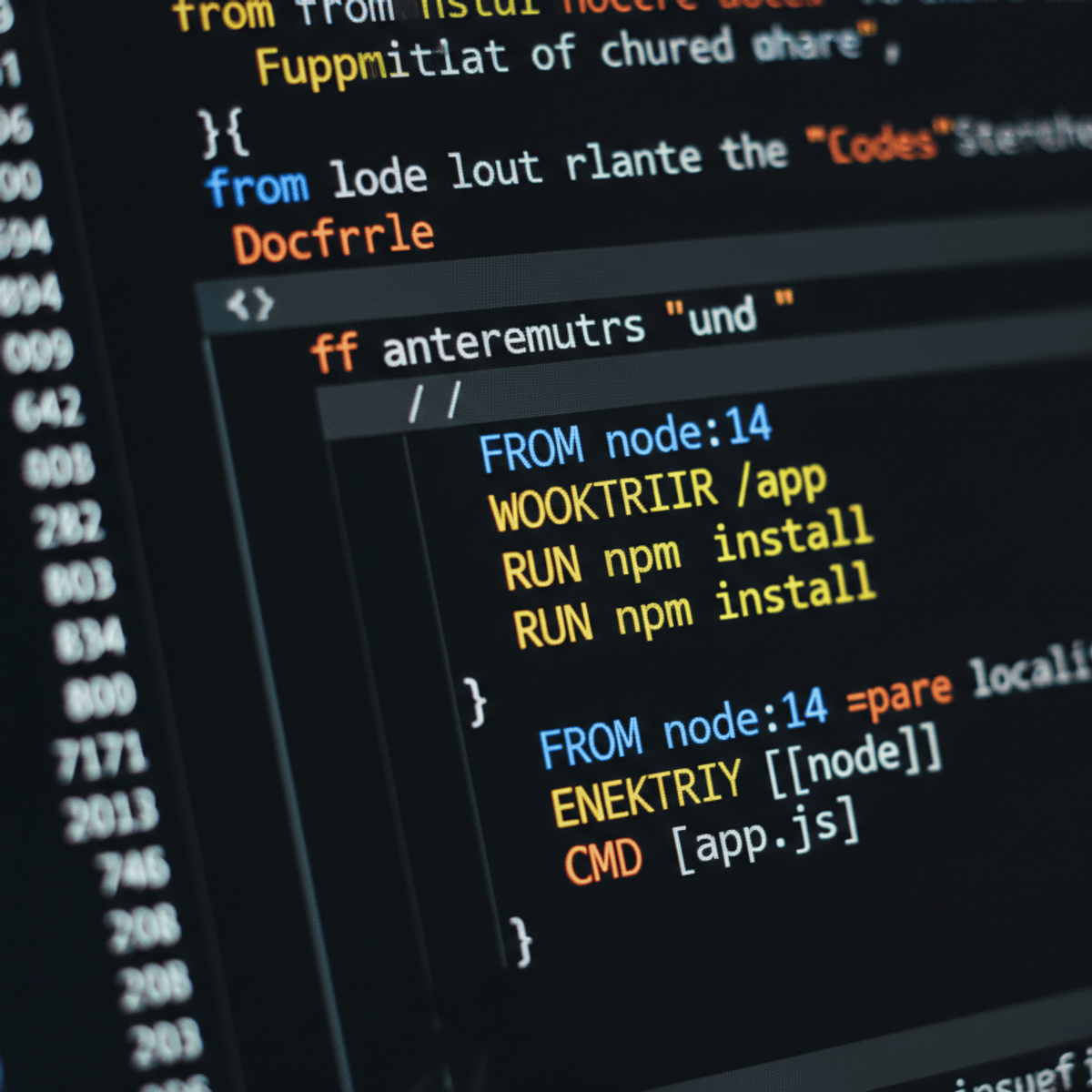
The course guides you step-by-step through setting up your development environment, including Docker Desktop and Visual Studio Code. You’ll dive deep into Docker fundamentals—learning how to create, manage, and optimize containers. From mounting volumes to sharing data between containers, you’ll build a solid grasp of Docker’s capabilities.
As you progress, you’ll learn to build and publish your own Docker images using Dockerfiles. You’ll optimize Docker image builds through caching techniques and develop multi-container applications with Docker Compose. Finally, you’ll explore CI/CD automation, integrating Docker with GitHub Actions and AWS for real-world deployment workflows.
This course is perfect for developers, DevOps engineers, and IT professionals looking to master containerization. No prior Docker experience is needed, but basic familiarity with Linux and command-line interfaces will be helpful. Whether you're a beginner or looking to reinforce your skills, this course provides the perfect hands-on learning experience.
Watch on External: Coursera ↗
(saves to browser)
Sign in to unlock AI tutor explanation · ⚡30
More on: Docker & Containers
View skill →





Related Reads
📰
📰
📰
📰
Your Read Replica Just Promoted. The Cart Still Shows $0.00.
Medium · DevOps
One Replica Reconnected. Your Network Graph Went Vertical.
Medium · DevOps
Two Workers Held the Lock. Both Wrote. The TTL Was 10 Seconds. The Job Took 45.
Medium · DevOps
Redis P99 Jumped to 900ms. The Slowlog Is Empty. BGSAVE Forked Your Heap.
Medium · DevOps
🎓
Tutor Explanation

 DeepCamp AI