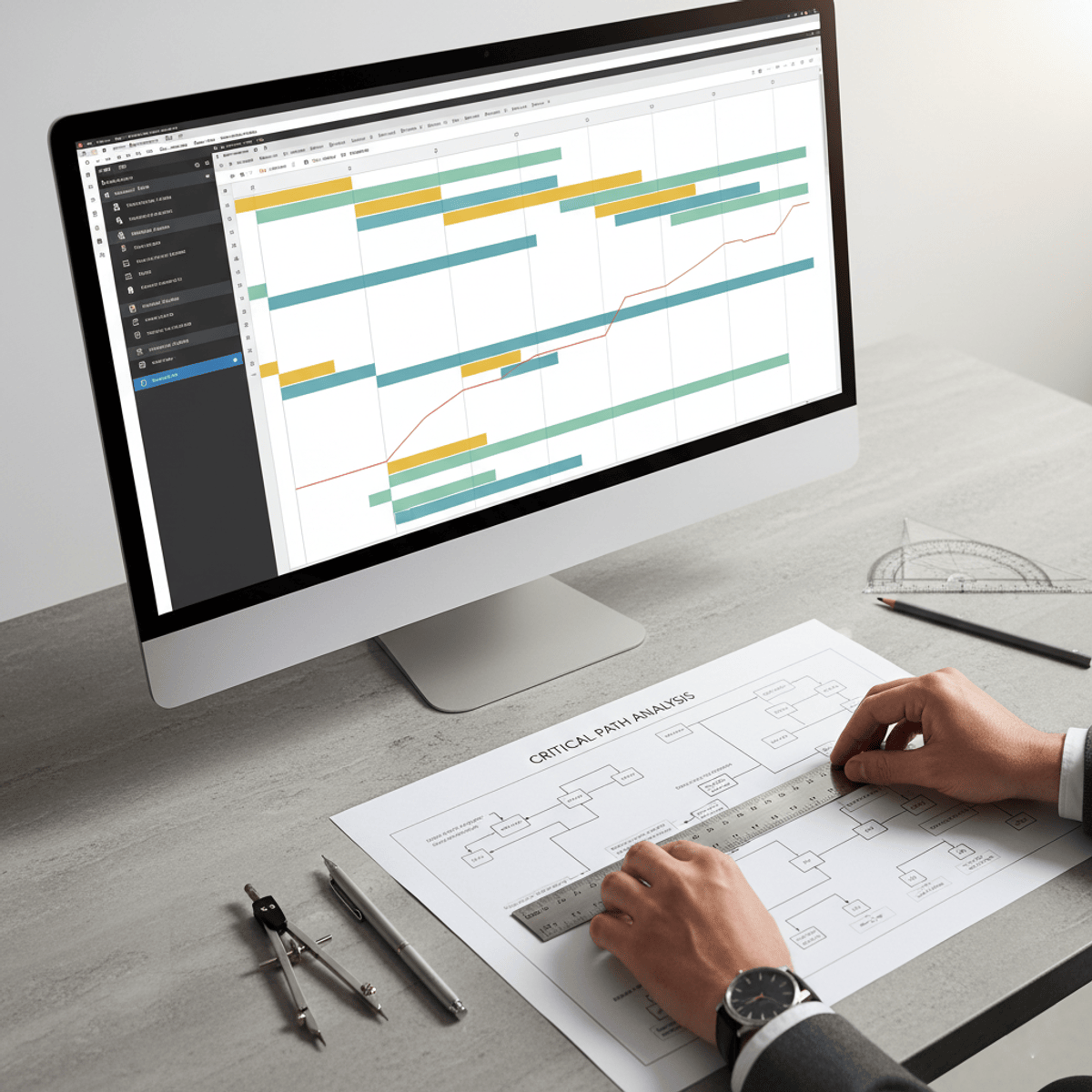
Project Planning and Scheduling Techniques
Key Takeaways
Applies project planning and scheduling techniques using Microsoft Project
Original Description
Learn how to apply project planning and scheduling techniques, manage resources effectively, and monitor project performance using professional project management tools. This course provides practical skills in task structuring, scheduling, cost management, and project tracking using Microsoft Project.
The course begins with the fundamentals of Microsoft Project, helping learners understand project setup, working time configuration, task creation, and project structuring using summary tasks and subtasks. Learners will build a strong foundation in organizing projects efficiently and creating structured workflows.
As the course progresses, learners focus on task planning and scheduling techniques, including duration settings, dependency management, auto scheduling, network diagrams, and task linking. The course explains how to create logical task sequences and accurate project timelines for effective project execution.
Advanced modules cover resource allocation, cost management, and workload optimization. Learners will assign resources, calculate project costs, manage overallocations, and optimize task execution to maintain productivity and budget control.
The course concludes with project monitoring and controlling techniques, including critical path analysis, progress tracking, updating actual project data, and implementing corrective actions to improve project performance.
What makes this course unique is its step-by-step, application-focused approach that mirrors real industry project workflows. By the end of the course, learners will be able to confidently plan, schedule, execute, and monitor projects using MS Project and professional project management techniques.
Watch on External: Coursera ↗
(saves to browser)
Sign in to unlock AI tutor explanation · ⚡30
More on: PM Basics
View skill →




Related Reads
📰
📰
📰
📰
How Dev Agencies Can Handle Client Revisions Without Burning Out (or Losing Money)
Dev.to · SarasG
Give a Dead Side Project an Exit Report, Not an AI Eulogy
Dev.to · Sam Rivera
How I’d Scope a Project Before Writing a Single Line of Code
Medium · Startup
Where to Start with my Project Idea
Reddit r/learnprogramming
🎓
Tutor Explanation

 DeepCamp AI