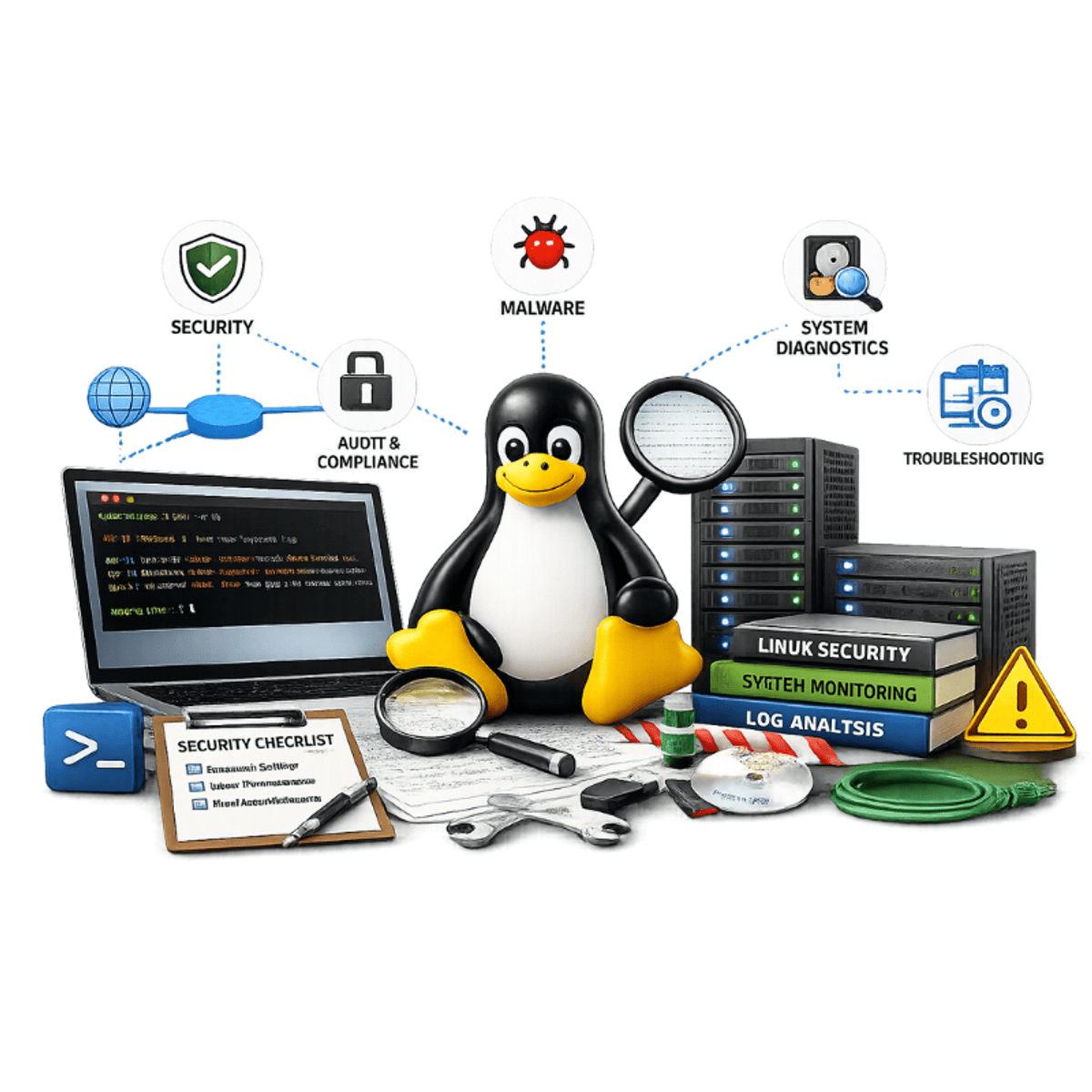
Linux Security and System Troubleshooting
Key Takeaways
Locking down access with SELinux and controlling traffic with a Linux firewall
Original Description
This course equips you with Linux security and recovery skills: locking down access with SELinux, controlling traffic with a Linux firewall, monitoring logs to catch issues early, & recovering systems that fail to boot. It's built entirely on the latest Red Hat Enterprise Linux 10 (RHEL 10) release and aligned with the RHCSA (EX200) exam objectives.
This course is rigorously hands-on. You'll observe real Linux troubleshooting and recovery work performed on an actual system, seeing exactly how each fix is applied.
By the end, a blocked SELinux policy or a system that failed to boot won't feel like a crisis. You'll know exactly where to look and how to fix it; skills you'll rely on for the EX200 exam or on the job.
This course is for anyone ready to secure and recover Linux systems, whether you handle these tasks at work or you're preparing for RHCSA certification. If you're comfortable with the Linux command line, file permissions, basic system administration, & networking basics, you're ready to start. Enroll today to build real Linux security and recovery skills.
AI explanation not available for this lesson yet
This lesson is still being prepared for the AI tutor. In the meantime, explore lessons that are ready.
Browse explainer-ready lessons →
More on: Network Security
View skill →







![[Demo] Network Security Integration with Palo Alto](https://i.ytimg.com/vi/s2MJ5WDk8y8/mqdefault.jpg)
Related Reads
📰
📰
📰
📰
Rooting the BSides Amman 2026 Offsec Booth Machine
Medium · Cybersecurity
Before You Trust a TRON Wallet: How USDT TRC20 Transaction Tracing Reveals Hidden Risk
Medium · Cybersecurity
What Is a VPN?
Medium · Cybersecurity
Recopilación de más de 150 guías prácticas de hacking y pentesting
Medium · Cybersecurity
🎓
Tutor Explanation

 DeepCamp AI