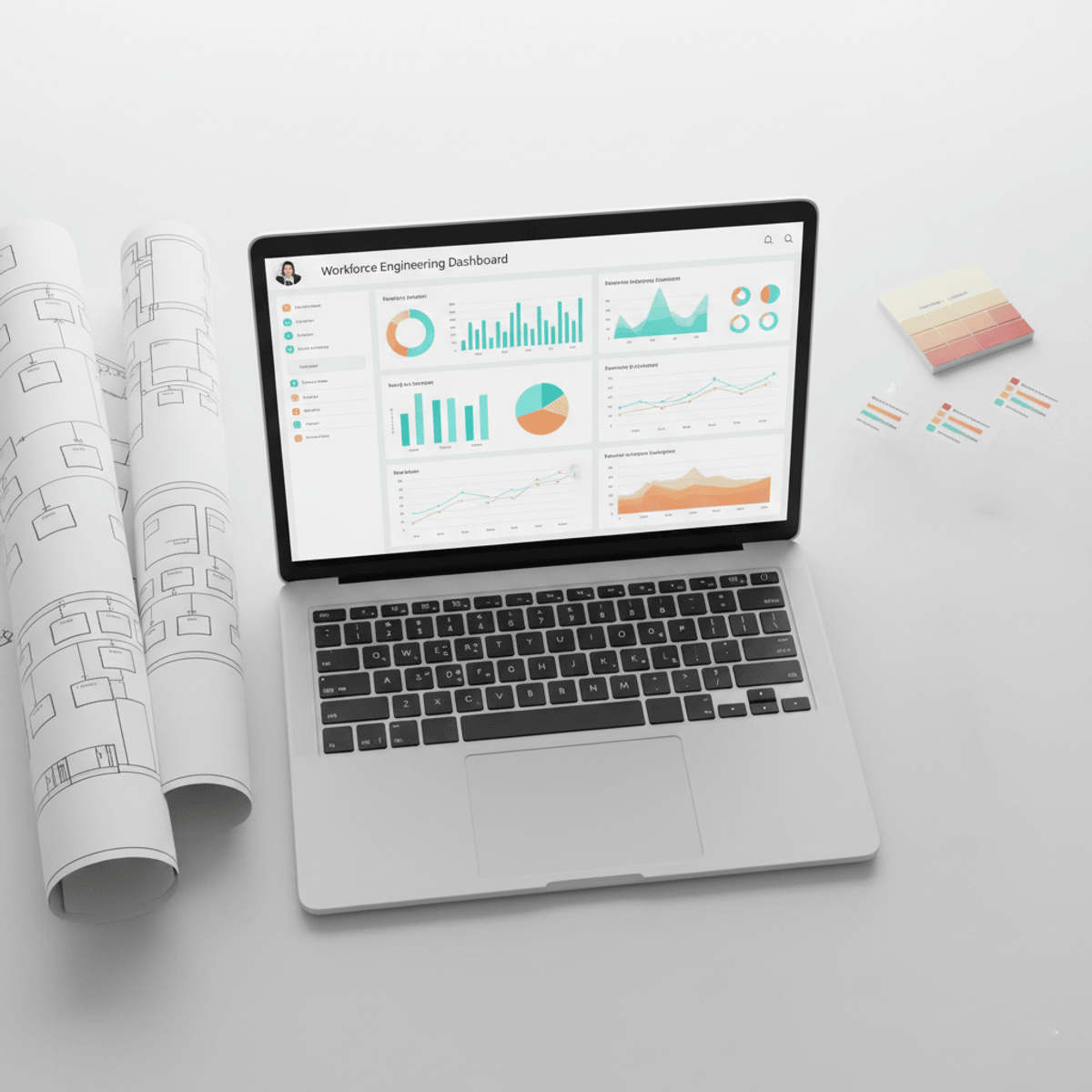
HR Dashboards and Analytics in Excel
Master the skills needed to analyze HR data and build interactive Excel dashboards that support smarter workforce decisions. Learn how to transform employee data into professional reports, visual insights, and strategic HR analytics using Microsoft Excel.
This course provides a practical, hands-on approach to HR dashboard design and workforce analytics. You’ll learn how to structure HR datasets, create interactive dashboards, and apply analytical techniques such as Pivot Tables, workforce trend analysis, payroll reporting, and employee performance tracking.
Throughout the course, you’ll work with real-world HR scenarios including headcount tracking, attrition analysis, employee demographics, attendance behavior, compensation insights, and recruitment reporting. You’ll also learn how to organize HR data effectively, create dynamic visualizations, and generate strategic reports that improve decision-making and reporting efficiency.
What makes this course unique is its end-to-end approach that combines practical Excel dashboard development with real HR analytics applications. Instead of learning isolated Excel tools, learners build meaningful HR reporting systems designed for professional business environments.
By the end of the course, you’ll be able to confidently design HR dashboards in Excel, analyze workforce metrics, automate reporting workflows, and create actionable insights that support strategic HR planning and organizational performance.
Watch on Coursera ↗
(saves to browser)
Sign in to unlock AI tutor explanation · ⚡30
More on: Data Literacy
View skill →









Related AI Lessons
⚡
⚡
⚡
⚡
A/B Testing: Why Randomization is the Gold Standard (and Four Ways It Fails in Practice)
Medium · Machine Learning
A/B Testing: Why Randomization is the Gold Standard (and Four Ways It Fails in Practice)
Medium · Data Science
Prophet: The Facebook Tool That Will End Your Fear of Forecasting
Medium · Data Science
Data Ingestion: RSS Feeds, Knowledge Base, S3 Vectors, and Metadata Filtering
Dev.to · Matt Lewis
🎓
Tutor Explanation

 DeepCamp AI