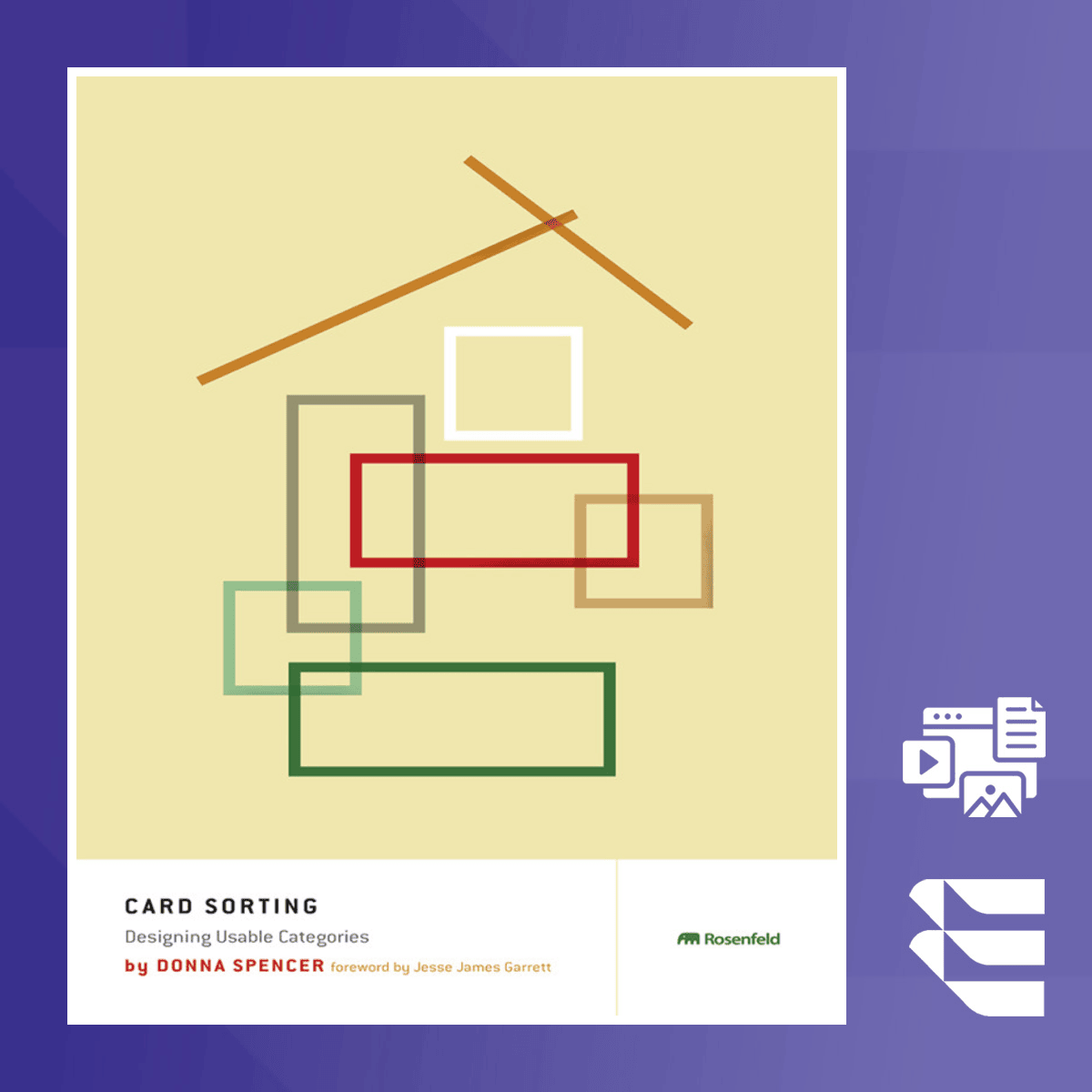
Card Sorting: Organize Content with Card Sort Techniques
Skills:
UX Research80%
Key Takeaways
Applies card sorting techniques to organize content and enhance user experience, including planning and executing card sorting studies
Original Description
In this course, you'll explore card sorting as a powerful tool to understand user mental models and optimize content organization. Card sorting offers a practical approach to enhancing the user experience by improving digital content architecture, ensuring that information is organized in a way that aligns with users’ expectations and cognitive structures.
You will learn how to plan card sorting studies, manage sessions, and analyze results effectively. The course provides step-by-step guidance on interpreting insights and applying them to improve your website or application's navigation and content structure, making it more user-friendly and intuitive.
What sets this course apart is its focus on real-world application. Through a combination of theoretical foundations and hands-on strategies, you will gain actionable skills to apply card sorting in your projects, regardless of your prior experience. This course emphasizes usability and the improvement of information architecture through data-driven decisions.
This course is ideal for UX professionals, content strategists, and researchers looking to enhance their digital experiences. While no prior experience with card sorting is required, a basic understanding of usability principles will be beneficial to fully engage with the content.
Copyright @ 2009 Donna Spencer. All rights reserved.
Originally published by Rosenfeld Media, LLC.
This course edition is published by Packt Publishing under license from Rosenfeld Media LLC. No part of this material may be reproduced, distributed, or transmitted in any form or by any means—electronic, mechanical, photocopying, recording, or otherwise—without prior written permission from the author or the publisher.
Watch on External: Coursera ↗
(saves to browser)
Sign in to unlock AI tutor explanation · ⚡30
More on: UX Research
View skill →




![Brutally Honest UI/UX Reviews [LIVE]](https://i.ytimg.com/vi/-Rr2J16orfA/mqdefault.jpg)

![Refactoring YOUR Designs [LIVE]](https://i.ytimg.com/vi/NG_NgSDCOi8/mqdefault.jpg)
Related Reads
📰
📰
📰
📰
I Built an Interactive 3D Tilt Card with Canvas Particles (No Libraries)
Dev.to · Easywise
PONTO CONFORTO — Design como forma de bem-estar
Medium · UX Design
The human in the loop isn’t a fallback. It’s the design.
Medium · UX Design
Why Every Designer Is About to Get an AI Teammate, Not an AI Replacement
Medium · UX Design
🎓
Tutor Explanation

 DeepCamp AI