Advanced Commands in Linux
Skills:
Linux & CLI90%
Key Takeaways
Utilizes advanced Linux commands for file management, troubleshooting, and process termination
Original Description
In this one-hour, project-based course, you'll learn advanced commands for the Linux command-line. You'll learn how to grab files, even Web-site, from the internet and download it, how to copy files from drives to drives locally and remotely and how to display, terminate, and troubleshoot programs and processes manually.
This guided project will introduce you to the following commands:
-wget -- Download anything from the Internet or other remote computers;
-rsync -- Synchronise files and directories locally or with a remote machine;
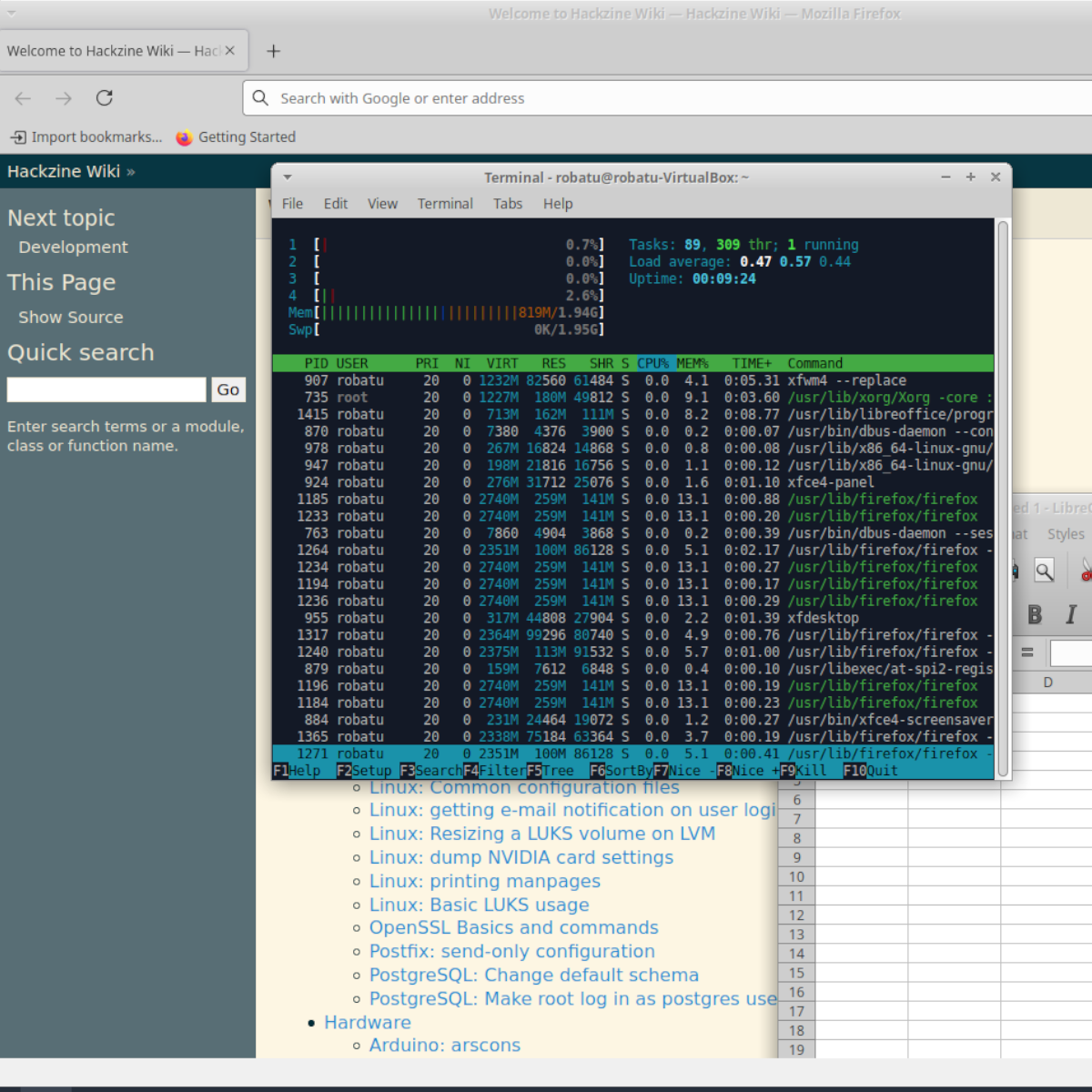
-ps, pstree, top, htop -- Monitor applications and processed running on a PC;
-kill, killall -- force the closing of troublesome applications and processes.
Watch on External: Coursera ↗
(saves to browser)
Sign in to unlock AI tutor explanation · ⚡30
More on: Linux & CLI
View skill →








![MITRE CTF 2019 - Linux [50] Escaping RBASH with SSH](https://i.ytimg.com/vi/MEGBY3XAe_4/mqdefault.jpg)
Related Reads
📰
📰
📰
📰
Claude vs ChatGPT for Copywriting: I Tested Both with 10 Real Prompts
Medium · ChatGPT
Mastering the Art of Writing: Effective Techniques for Freelance Writers
Dev.to AI
Your site gets six words to convince me. It just used five of them to say nothing.
Medium · SEO
5 Copywriting Tricks Hidden Inside Warren Buffett’s Shareholder Letters
Medium · Programming
🎓
Tutor Explanation

 DeepCamp AI