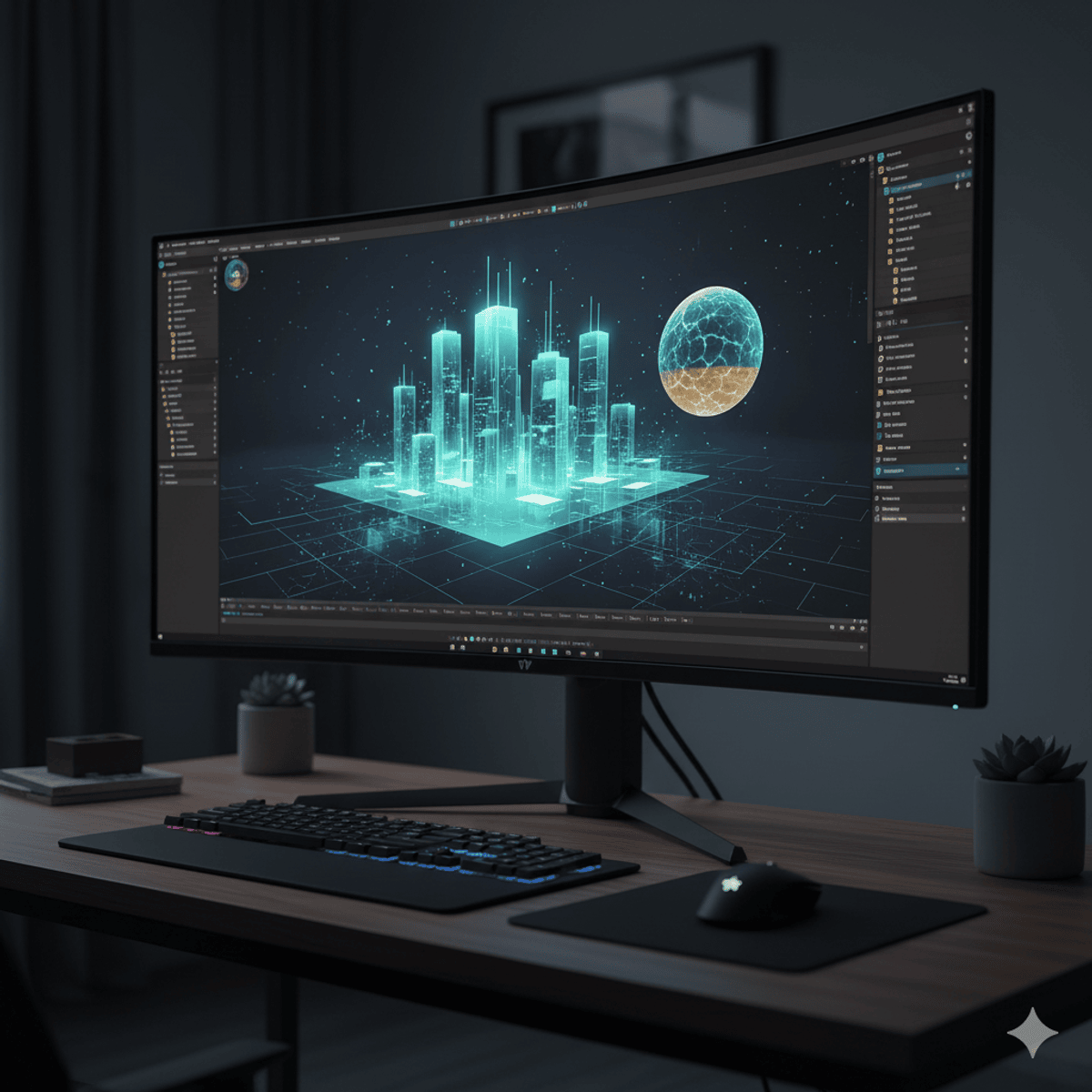
Unity Shader Programming: Create & Optimize
Key Takeaways
Teaches Unity Shader Programming to create and optimize shaders
Original Description
By the end of this course, learners will be able to design custom shaders, implement realistic lighting models, optimize performance, and apply advanced screen effects in Unity. They will master vertex and fragment shaders, create water, glass, and holographic effects, and build advanced shaders such as fur and heat maps.
This comprehensive course takes you from shader fundamentals to advanced rendering, guiding you through essential shader properties, variables, and texture applications. You will explore Unity’s built-in lighting models, implement custom shading such as Phong and Blinn-Phong, and integrate global illumination with reflection and light probes for realism. Through hands-on projects, you will animate vertices, simulate snow and explosions, and craft dynamic screen-space effects including film grain, blend modes, and night vision.
What makes this course unique is its structured balance of theory and practice, combining shader optimization with advanced creative effects. Whether you are building games, simulations, or immersive experiences, this course equips you with the technical depth and creative control to push Unity’s graphics capabilities further.
AI explanation not available for this lesson yet
This lesson is still being prepared for the AI tutor. In the meantime, explore lessons that are ready.
Browse explainer-ready lessons →
Related Reads
📰
📰
📰
📰
TypeScript Covariance and Contravariance Without the Theory: A Practical Guide to Generic Type…
Medium · Programming
Lord of the Algebras: Groups, Rings, and Semirings in C#
Medium · Programming
On the Navier–Stokes Millennium Prize Problem
OpenAI News
How Did Archimedes Calculate Pi Without Measuring It
Medium · Programming
🎓
Tutor Explanation
 DeepCamp AI