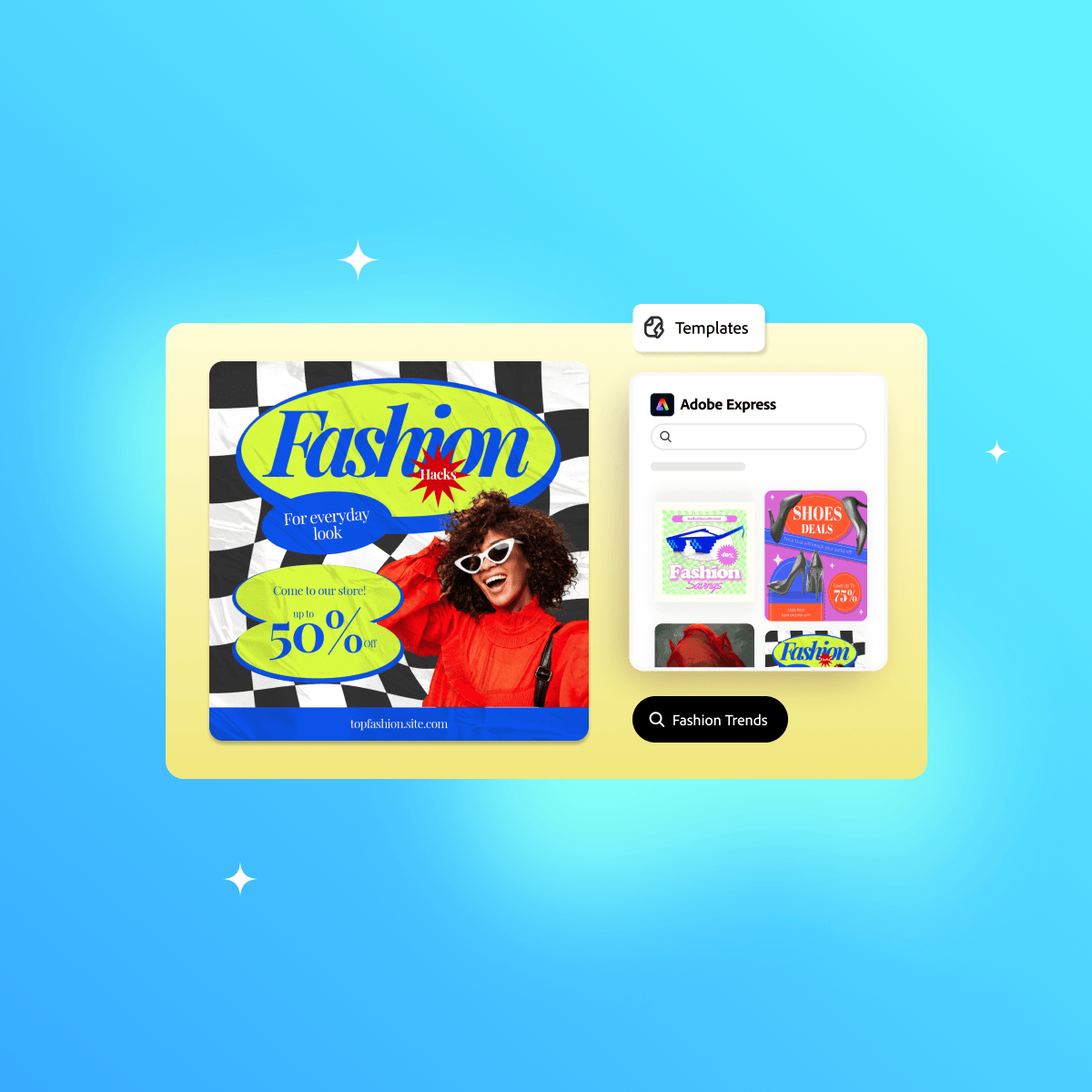
Templates in Adobe Express
Learn how to design with confidence and speed using Adobe Express. This course shows you how to transform your ideas into professional-quality visuals by starting with ready-made templates. You’ll discover how to quickly create, customize, resize, and adapt designs for multiple platforms, ensuring your content always looks polished and on-brand. Along the way, you’ll explore how color, typography, and layout work together to elevate your visuals, helping you design with both efficiency and creative flair. By the end of the course, you’ll be able to create cohesive, eye-catching designs that communicate your message clearly and consistently across any format.
Watch on Coursera ↗
(saves to browser)
Sign in to unlock AI tutor explanation · ⚡30
More on: UI Design
View skill →









Related AI Lessons
⚡
⚡
⚡
⚡
When You Should Not Use AI for Design
Medium · UX Design
The Complete Guide to 3D Web Design Tools in 2025: From No-Code to Full Framework Control
Medium · Programming
Case Study: Criando Wireframes de Alta Conversão para Campanhas de Pix
Medium · UX Design
Design thinking: The case of an urban mobility app
Medium · UX Design
🎓
Tutor Explanation

 DeepCamp AI