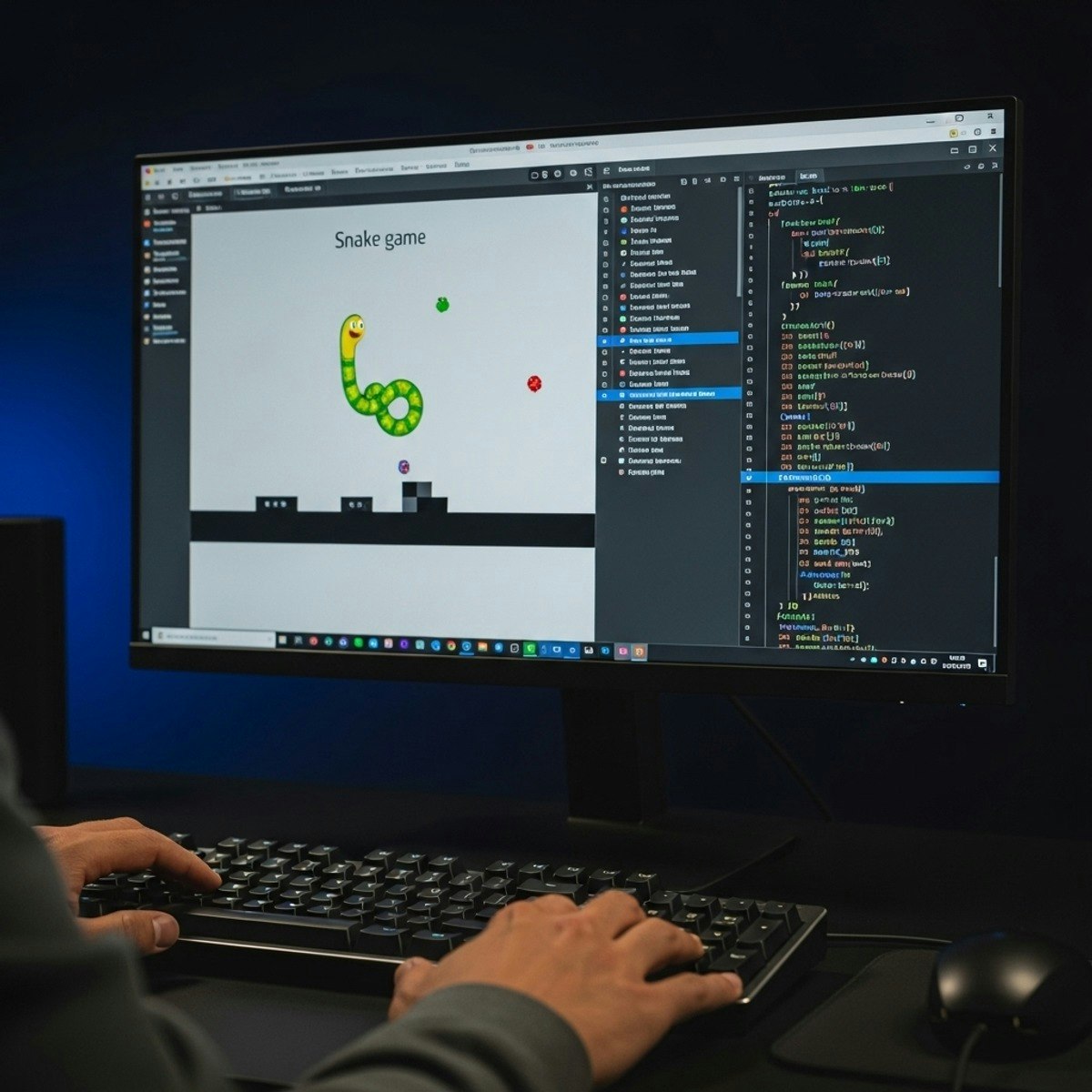
Snake Game in Python with Pygame: Build & Customize
Key Takeaways
Builds and customizes a Snake Game in Python using Pygame while mastering game development concepts
Original Description
Learners will design, implement, and customize a complete Snake Game in Python using Pygame while mastering essential game development concepts. By the end of this course, participants will be able to apply programming fundamentals, control user input, manage game logic, integrate scoring systems, and enhance gameplay with sound, visuals, and speed customization.
This project-based course begins with building the foundation: setting up the environment, creating the snake character, and structuring the game loop. Learners will then explore movement controls, event handling, pause functionality, and text rendering to deliver interactive gameplay. Advanced lessons cover color design, modular coding with functions, boundaries, food mechanics, and testing for accuracy. The course culminates with sound effects, background customization, and speed adjustments, ensuring learners can polish their projects into professional-quality games.
Unlike generic tutorials, this case study emphasizes hands-on coding, problem-solving, and real-world application of Python skills. By completing this course, learners gain not only a fully functional game but also transferable programming skills for future projects in Python, Pygame, and beyond.
Watch on External: Coursera ↗
(saves to browser)
Sign in to unlock AI tutor explanation · ⚡30
More on: AI Pair Programming
View skill →






Related Reads
📰
📰
📰
📰
Google AI Studio Just Fixed a Problem I Didn't Expect
Medium · AI
How a content system, AI and a Designer’s frustration became a production tool
Medium · UX Design
What Is Janitor AI? Why Everyone Is Talking About It in 2026
Medium · AI
I Use 10 AI Tools That Save Me Hours Every Week
Medium · AI
🎓
Tutor Explanation
 DeepCamp AI