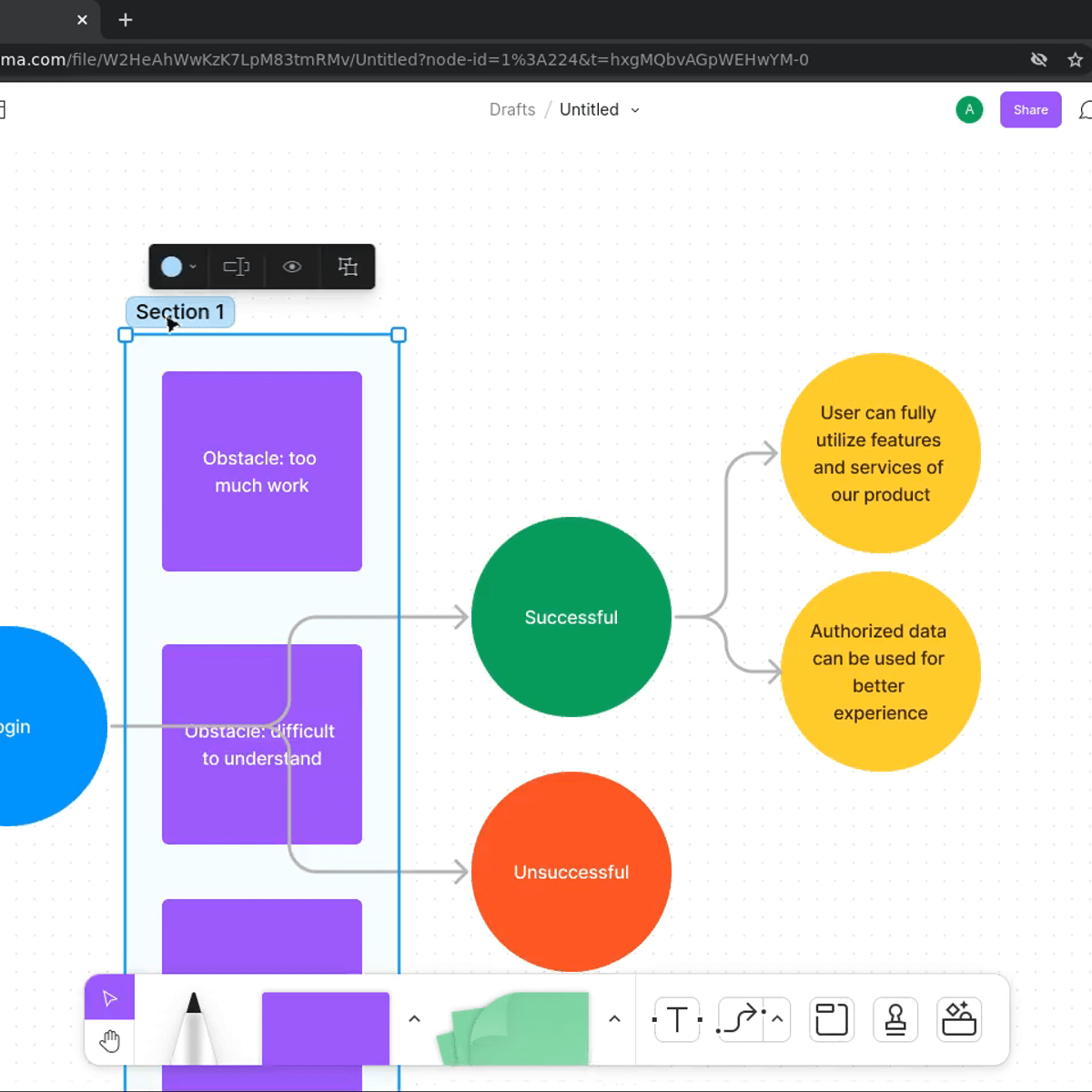
Prototypes in Figma: Creating an Initial Low Fidelity Design
Why should you learn Figma, and UX/UI design and process principles? Figma is currently one of the most used tools in the UX/UI design field, it's simple and powerful. Having solid design and process skills will help you interpret the user's needs and remove roadblocks, creating a smooth and simple user flow. In this 1.5 hours long Guided Project you will learn how to identify and build a user experience process, how to design a user interface and implement a functional user experience prototype. To achieve this we will work through. This project is really unique as it enables you, in a very short time, to think critically and cover all aspects of UX/UI design, building a concrete output for your study and work portfolio. In order to be successful in this project, it will be preferable, however not mandatory, for you to have a basic understanding of UX/UI fundamental principles, and an introductory knowledge of Figma.
Watch on Coursera ↗
(saves to browser)
Sign in to unlock AI tutor explanation · ⚡30
More on: Prototyping
View skill →






Related AI Lessons
⚡
⚡
⚡
⚡
The Hyper-Premium Workstation: 3 Costly Tech Masterpieces Redefining the Creative Edge
Medium · AI
Most Habit Trackers Feel Stressful, So I Designed One That Doesn’t.
Medium · UX Design
When You Should Not Use AI for Design
Medium · UX Design
The Complete Guide to 3D Web Design Tools in 2025: From No-Code to Full Framework Control
Medium · Programming
🎓
Tutor Explanation
 DeepCamp AI