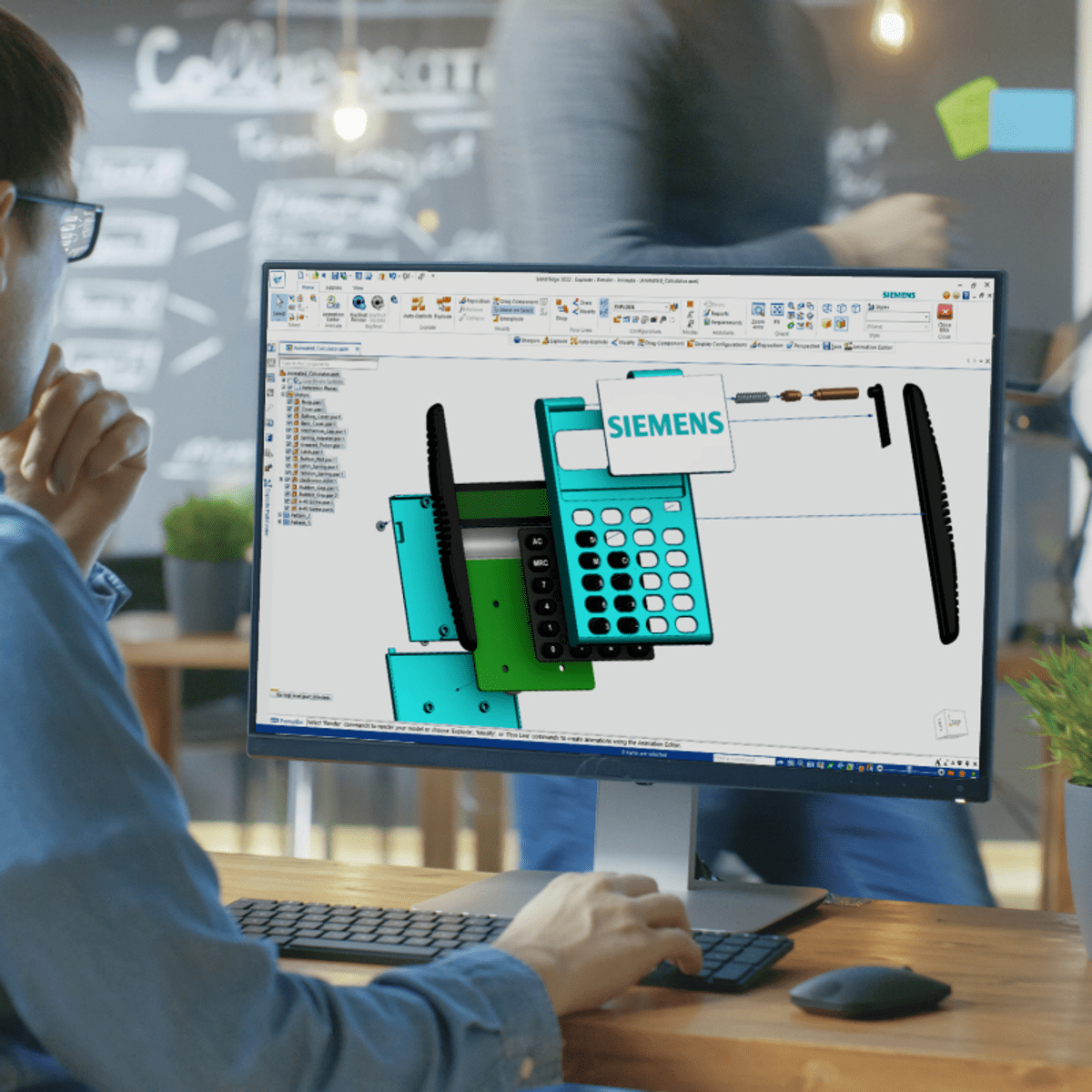
Introduction to Solid Edge
Key Takeaways
Teaches basic design concepts in 2D and 3D environments using Computer-Aided Design (CAD) software, including 2D sketches, basic shapes, and 3D models
Original Description
The Introduction to Siemens Solid Edge software will enable you to learn basic design concepts in both 2D and 3D environments using Computer-Aided Design (CAD) software. The concepts include 2D sketches, basic shapes, 3D models, and simple assemblies. You’ll gain experience using commands such as extrude, revolve, rounds, blend, and thinwall to more efficiently design solid models. Additionally, you’ll learn about drafting concepts such as detailing, drawing view, section cuts, and design intent. Finally, you will learn how to rapidly edit CAD files imported from other software applications. This course provides an introduction to Solid Edge that will also help you to prepare for the Solid Edge Mechanical Associate certification exam.
At the end of the course, you should be able to:
-Identify key Solid Edge Features.
-Recognize key principles of design with Solid Edge.
-Perform basic modeling concepts such as sketching, basic shapes, geometric relationships, and constraint.
-Identify basic 3D modeling concepts as well as best practices for more efficient modeling using concepts such as extrude, revolve, rounds, blend, and Thin Wall.
-Increase proficiency using Solid Edge features such as command finder, design intent, sketch plane, loft, and pattern features.
-Use essential skills for building and working with assemblies, such as how to open parts from assemblies, place paths, align, add motion, and work with assembly relationships.
-Identify how to edit in different Solid Edge environments such as drafting and increase efficiency working with imported data from other CAD software applications.
-Practice and prepare for the Solid Edge Associate Level Certification Exam.
This course has no formal prerequisites. Anybody with an interest in learning to use CAD software can take this course.
To successfully complete this course, you will download a free version of Solid Edge software and utilize the course files provided.
Watch on External: Coursera ↗
(saves to browser)
Sign in to unlock AI tutor explanation · ⚡30
Related Reads
📰
📰
📰
📰
Website Redesign Checklist for Small Businesses: A Complete Guide to Building a Better Online…
Medium · SEO
Design System — Creating a Typography System
Medium · UX Design
Building Flutter Apps for Foldables and Large Screens
Medium · UX Design
Progressive Disclosure: Why Showing Less Information Increases Comprehension and Conversion
Medium · UX Design
🎓
Tutor Explanation

 DeepCamp AI