
In Depth CapCut Video Editing Masterclass: Core Editing
Skills:
AI Video Generation80%
Key Takeaways
Masters core video editing skills using CapCut video editing software
Original Description
Welcome to Part 1 of the CapCut Video Editing Masterclass with your instructor Adi Singh!
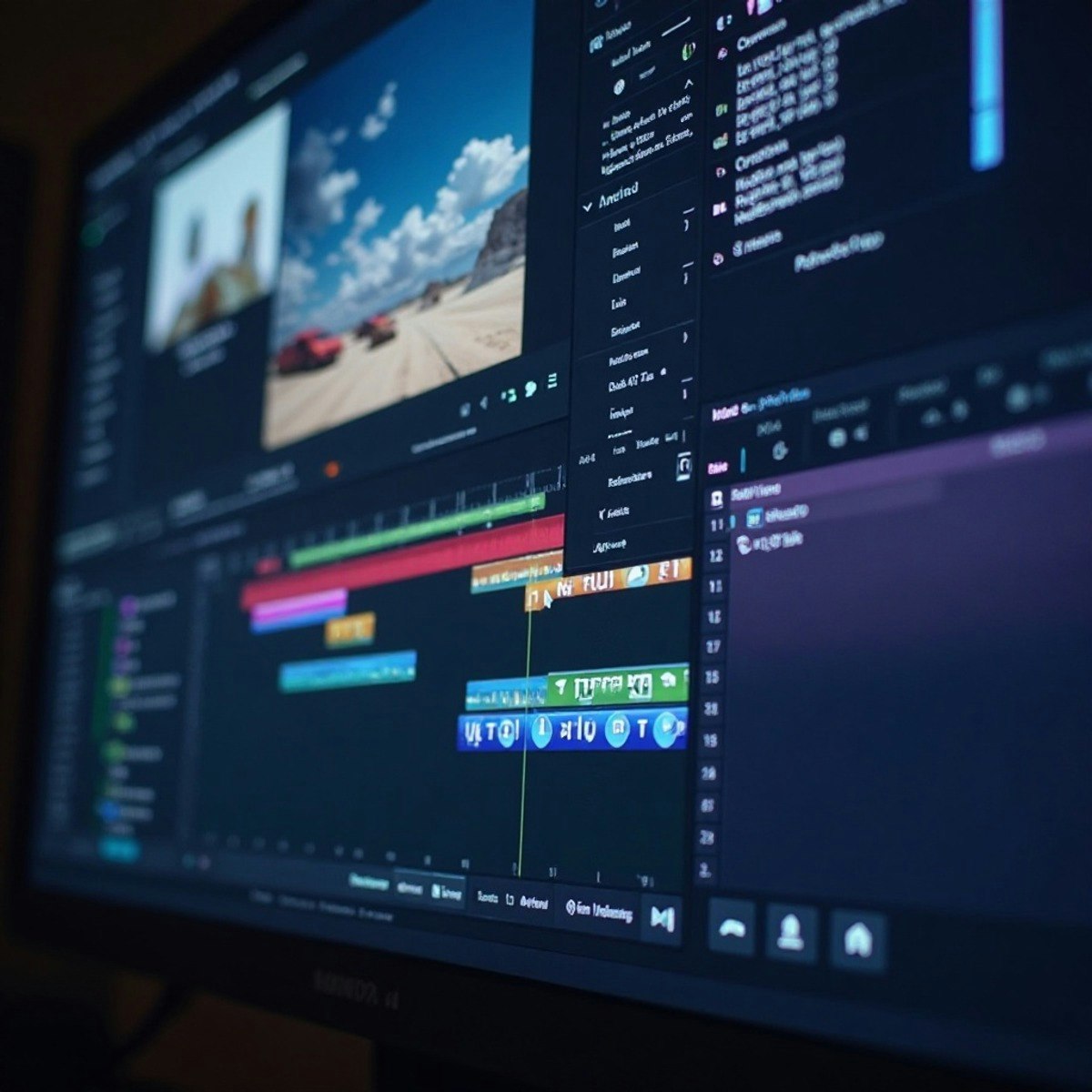
Cap cut is the best video editing software for beginners with hundreds of drag and drop effects that would make your videos look like it has been professionally edited. It is so powerful and easy to edit in CapCut that even professionals are switching to this amazing video editing software.
By the end of this course, you’ll be able to confidently edit videos in CapCut using the essential tools every creator needs. You’ll learn how to navigate the timeline, cut and trim clips with precision, enhance your footage, and assemble polished projects that are ready to share. You’ll also explore creative shortcuts that make editing faster and more enjoyable.
This course is designed for absolute beginners as well as creators looking to strengthen their editing fundamentals. If you’ve never edited a video before, don’t worry, your instructor, Adi Singh, breaks everything down step by step so you can follow along easily. More experienced editors will also benefit from learning time-saving techniques and tips tailored for CapCut’s desktop interface.
To be successful in this course, no prior video editing knowledge is required, just curiosity and a willingness to practice.
By the end, you’ll have the skills to:
* Organize and assemble clips in the CapCut timeline
* Apply cuts, trims, and basic enhancements with confidence
* Build a complete video edit from start to finish
Instructor bio:
Adi is a videographer, content creator, and educator whose journey began in 2015 with a camera purchased to document travels in New Zealand. What started as a passion quickly grew into a career — today, Adi runs a video production company and a thriving YouTube channel, sharing creative knowledge with a global audience.
Having built his own filmmaking career through online learning and self-teaching, Adi is passionate about giving back by teaching others. His courses are designed to make videography
Watch on External: Coursera ↗
(saves to browser)
Sign in to unlock AI tutor explanation · ⚡30
More on: AI Video Generation
View skill →




Related Reads
📰
📰
📰
📰
How Dev Agencies Can Handle Client Revisions Without Burning Out (or Losing Money)
Dev.to · SarasG
Give a Dead Side Project an Exit Report, Not an AI Eulogy
Dev.to · Sam Rivera
How I’d Scope a Project Before Writing a Single Line of Code
Medium · Startup
Where to Start with my Project Idea
Reddit r/learnprogramming
🎓
Tutor Explanation

 DeepCamp AI