HTML for Beginners: Working with Images
Skills:
HTML & CSS90%
Key Takeaways
Adds images to web pages and styles them using HTML
Original Description
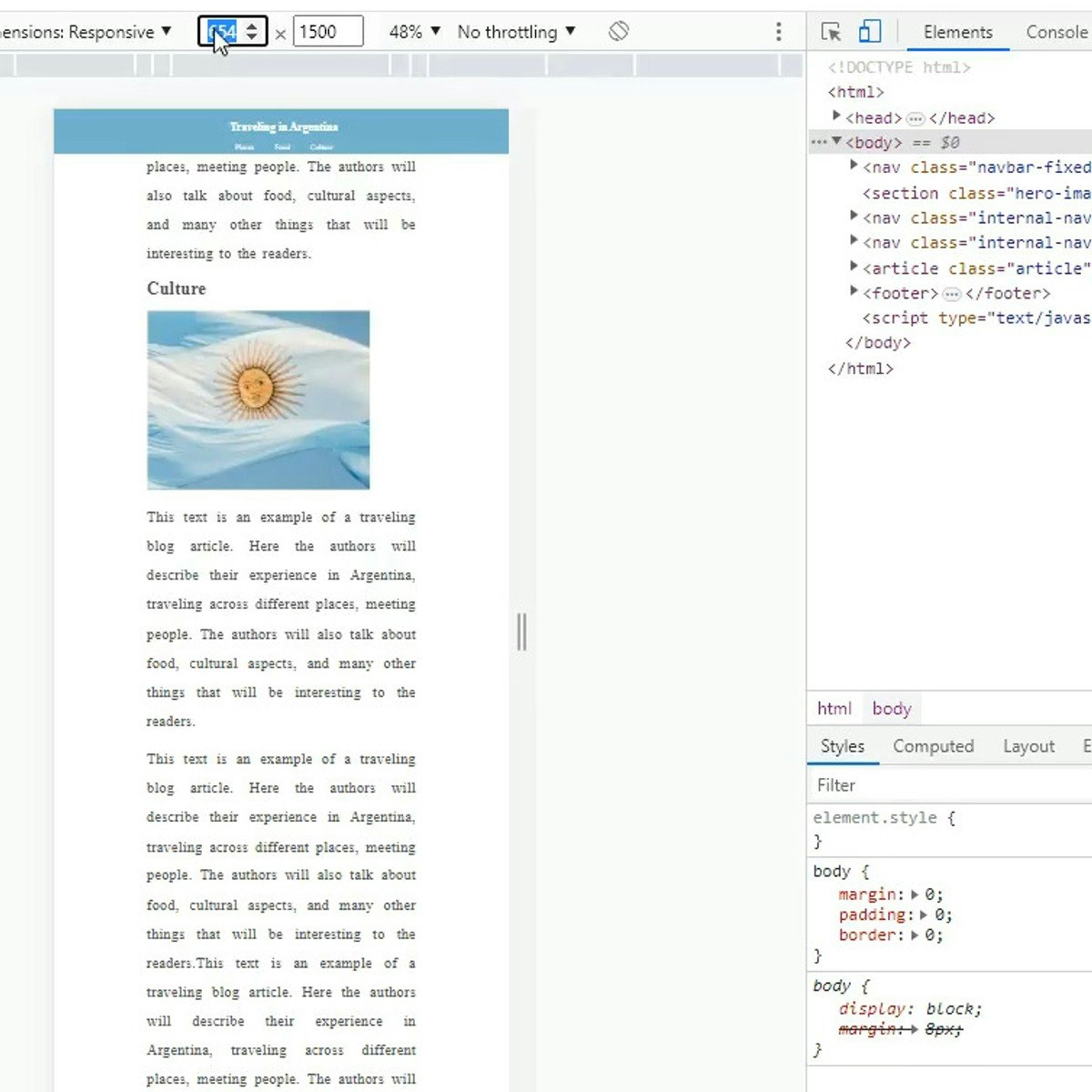
In this project you will learn how to add images to a web page and style them, create links out of images, set up image backgrounds to page sections, and make images responsive to the screen size for a responsive layout. To complete this project successfully you will need just passion, and a very introductory knowledge of HTML. This project is ideal for those who are interested in website and front-end development.
Watch on External: Coursera ↗
(saves to browser)
Sign in to unlock AI tutor explanation · ⚡30
More on: HTML & CSS
View skill →








Related Reads
📰
📰
📰
📰
Browser-Based PDF Editing with Vue 3 and pdf-lib
Dev.to · sunshey
Say Goodbye To Electron?
Medium · Programming
Why Vanilla JS?
In the article below, I am sharing my story of building SaaS product in vanilla js and explaining why I decided to go with this approach.
https://guseyn.com/html/posts/why-vanilla-js.html
Dev.to · Guseyn Ismayylov
How to Create a Cursor Tail Using HTML, CSS, and JavaScript
Medium · JavaScript
🎓
Tutor Explanation

 DeepCamp AI