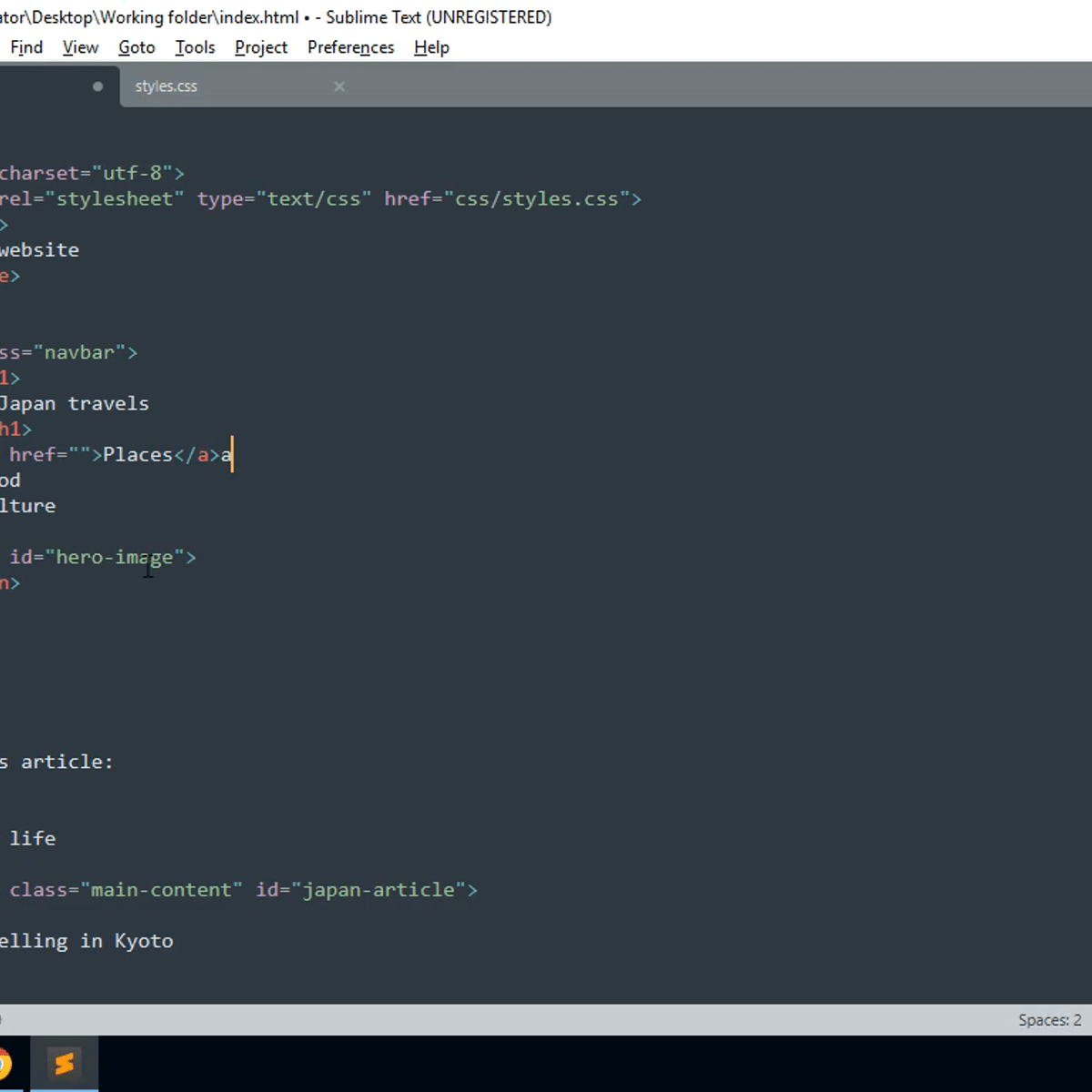
HTML for Beginners: Classes and ID
Key Takeaways
Builds a basic web page using HTML classes and IDs with CSS and JavaScript
Original Description
This 70 minutes guided project is for beginner learners of HTML. It will include CSS and a small mention of Javascript. You will learn how to style and organize the page content using classes and ids, their correct syntax, and how they are a base for styling, scripting, and internal navigation. You will create a Japan traveling blog article page, which will help you learn in a unique way a good portion of the fundamentals needed to create beautiful static websites. Writing the page you will learn about the "class" and "id" HTML attributes, their syntax and usage. You will Implement styles utilizing"class" and "id" attributes with CSS, and briefly review scripting usage of "class" and "id" attributes. To complete this project successfully you will need just passion, and a very introductory knowledge of HTML. This project is ideal for those who are interested in website and front-end development.
AI explanation not available for this lesson yet
This lesson is still being prepared for the AI tutor. In the meantime, explore lessons that are ready.
Browse explainer-ready lessons →
Related Reads
📰
📰
📰
📰
React 19 Features That Change How You Write Components Forever
Medium · JavaScript
I built a calm color-by-number game for my 8-year-old — no ads, no timers, no sign-up
Dev.to AI
The Future: Front End or Back End?
Dev.to · Jonathan Scion
Freehand drawing with the Canvas API
Dev.to · Arman Eousuf
🎓
Tutor Explanation

 DeepCamp AI