Data Extract, Transform, and Load in Power BI
Skills:
Data Literacy80%
Key Takeaways
Extracts, transforms, and loads data in Power BI using Power Query
Original Description
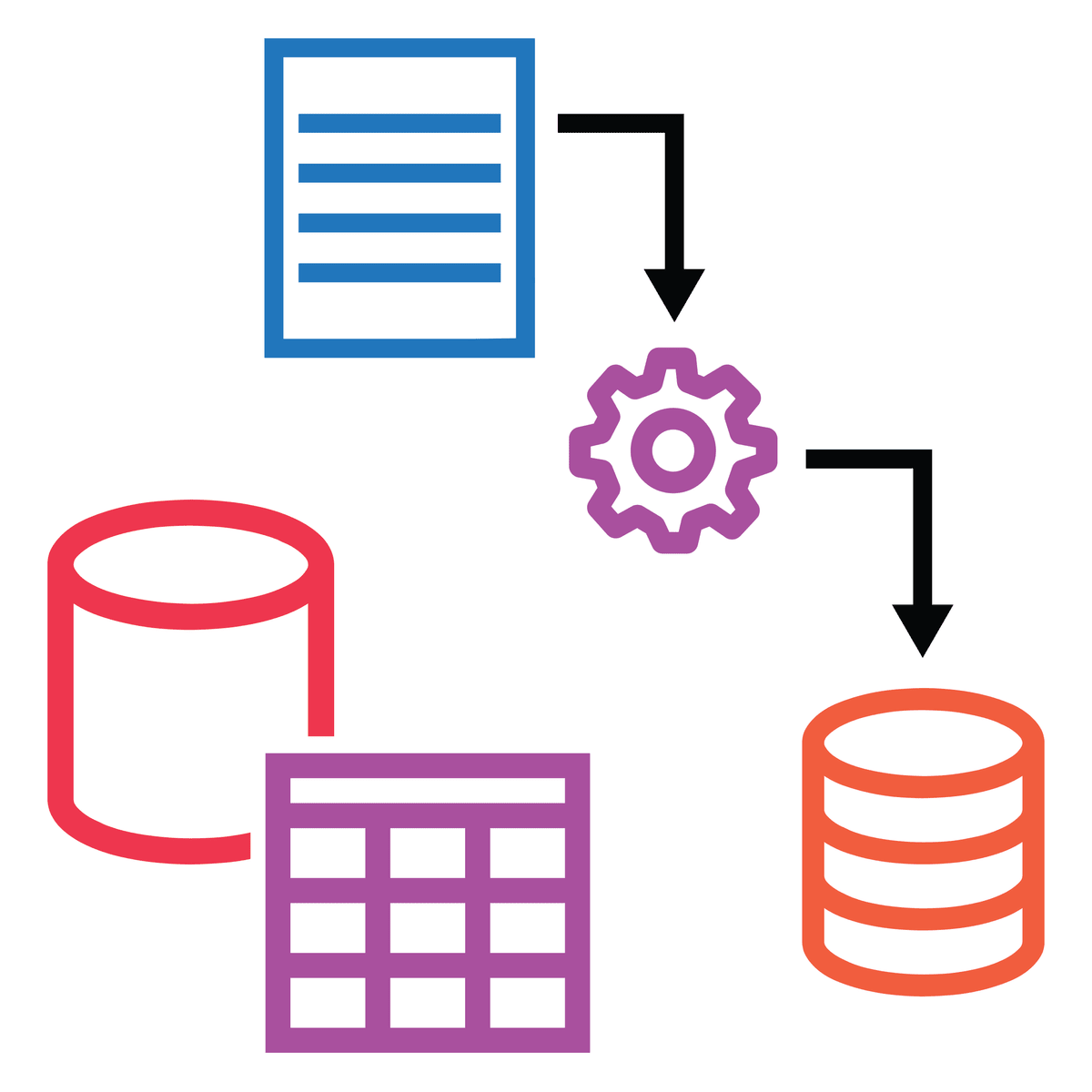
In this course, you will learn the process of Extract, Transform and Load or ETL. You will identify how to collect data from and configure multiple sources in Power BI and prepare and clean data using Power Query. You’ll also have the opportunity to inspect and analyze ingested data to ensure data integrity.
After completing this course, you’ll be able to:
• Identify, explain and configure multiple data sources in Power BI
• Clean and transform data using Power Query
• Inspect and analyze ingested data to ensure data integrity
Watch on External: Coursera ↗
(saves to browser)
Sign in to unlock AI tutor explanation · ⚡30
More on: Data Literacy
View skill →









Related Reads
📰
📰
📰
📰
Radio Said Audiences Preferred Men. The Data Told a Different Story
Medium · Data Science
Data Analysis Is Not Just for Data Analysts: Why Every Professional Should Learn to Think with Data
Medium · Data Science
Omnist: Canonical Schema and Data Model for JSON, YAML, TOML, and XML
Dev.to · Thomas Lee
Grouping and Aggregating Data Like a Pro
Medium · Machine Learning
🎓
Tutor Explanation

 DeepCamp AI