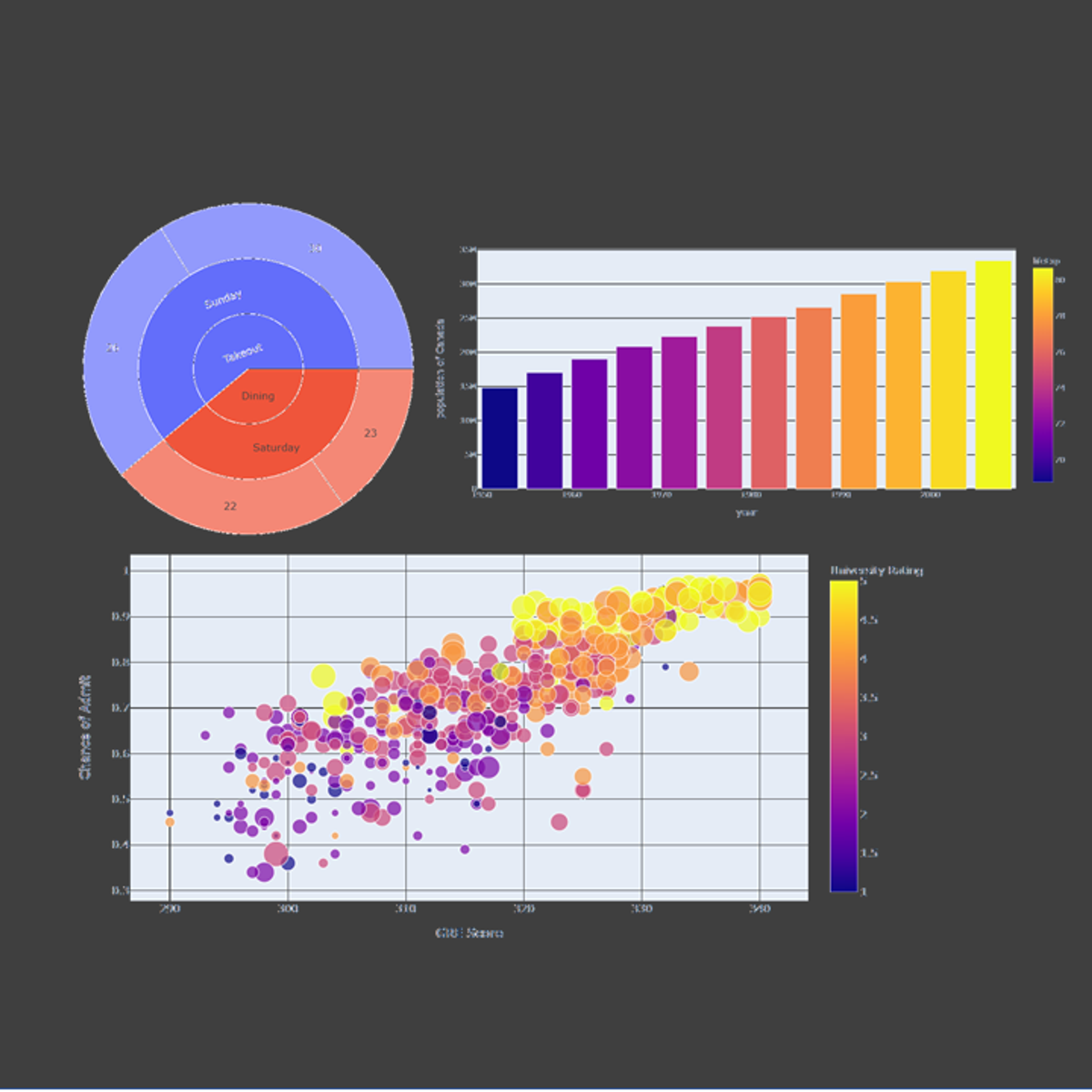
Crash Course on Interactive Data Visualization with Plotly
Key Takeaways
Builds interactive data visualizations using Plotly Express
Original Description
In this hands-on project, we will understand the fundamentals of interactive data visualization using Plolty Express. Plotly Express is a powerful Python package that empowers anyone to create, manipulate and render graphical figures with very few lines of code. Plotly Express is the recommended entry-point into the plotly package. We will leverage Plotly Express to generate interactive single Line plots, multiple line plots, histograms, pie charts, scatterplots, bubble charts, and bar charts.
Note: This course works best for learners who are based in the North America region. We’re currently working on providing the same experience in other regions.
Watch on External: Coursera ↗
(saves to browser)
Sign in to unlock AI tutor explanation · ⚡30
More on: Data Literacy
View skill →









Related Reads
📰
📰
📰
📰
[ZH] Virginia bans sale of geolocation data [ZH]
Dev.to AI
Format-preserving encryption for PII in Polars: FF3-1 vs FF1 for RUT, CPF, and DNI
Dev.to · Felipe Carvajal Brown
The Data Analyst Lens
Medium · Data Science
Why do people search the same thing in different ways?
Medium · Data Science
🎓
Tutor Explanation

 DeepCamp AI