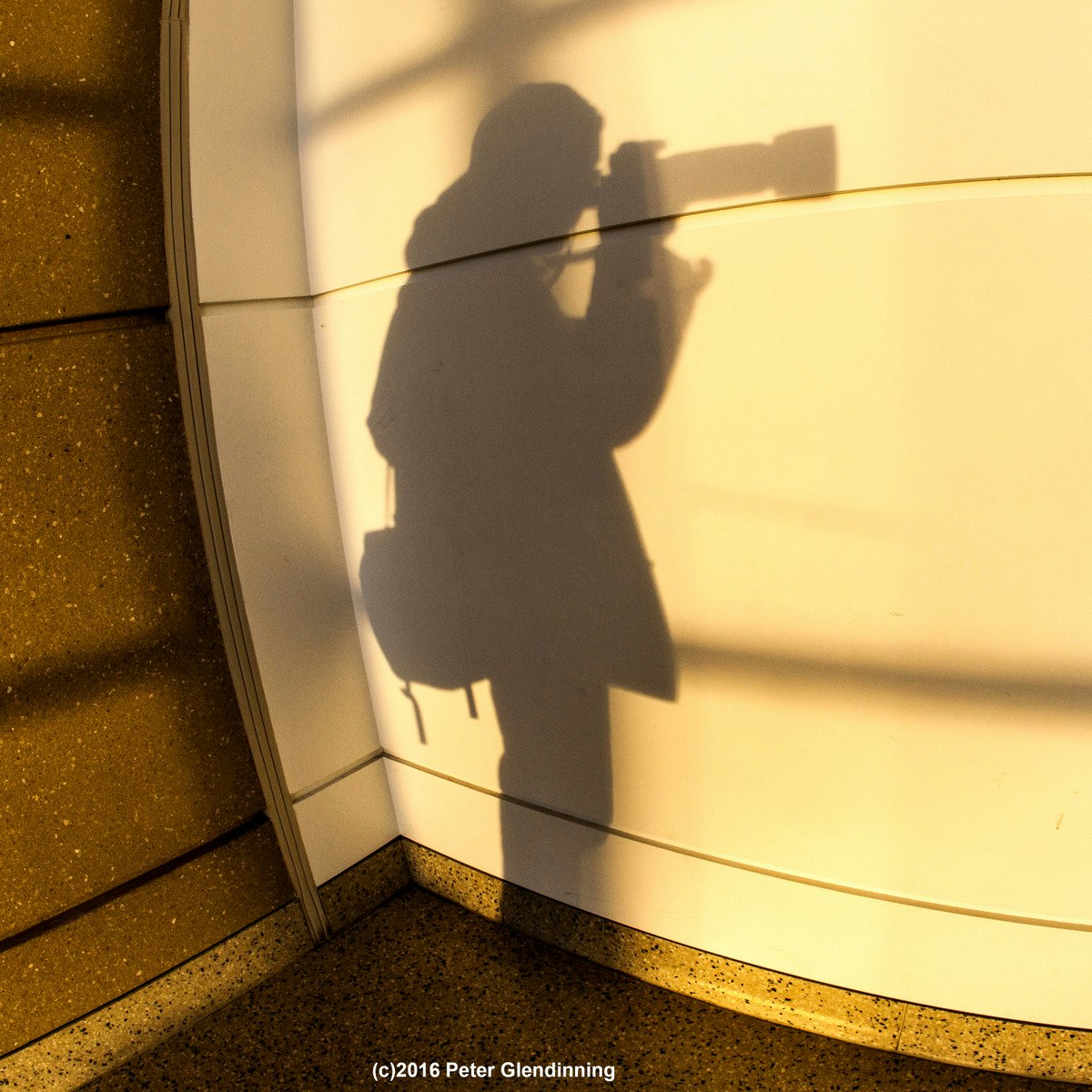
Camera Control
Skills:
UI Design60%
Key Takeaways
Explores camera control techniques for photography using smartphones and DSLR cameras
Original Description
Welcome to Course Two of Photography Basics and Beyond: From Smartphone to DSLR! Now that you have a broad understanding of the various types of cameras, the importance of setting up Menus and Functions to gain control in your photography, and the difference between Auto and Program exposure modes, you are ready to move into even greater Camera Control!
In these 4 Modules we will concentrate on gaining the knowledge necessary to make use of Exposure Modes, Light Metering, Effects of various ISO settings, Lens options, using Shutter Speeds to convey aspects of Time in both documentary and creative ways, and exploring the controlled focus effects that Depth of Field Principles make possible. You will also continue to make new photographs and, if you are a subscriber to the specialization, continue interacting with your fellow learners as you share photographs for Peer Review. You will also confirm your knowledge through completion of quizzes and written responses. Let's get started with Module One!
Watch on External: Coursera ↗
(saves to browser)
Sign in to unlock AI tutor explanation · ⚡30
More on: UI Design
View skill →









Related Reads
📰
📰
📰
📰
AI Testing Tools Are Easy To Buy But Hard To Trust
Forbes Innovation
Transform Business Operations with Robotic Process Automation (RPA) Services
Medium · AI
I Didn't Expect an AI Tutor to Beat My Favorite Online Course (But It Changed How I Learn)
Dev.to AI
How to Talk to Your Database Using AI: A Practical Implementation Guide
Dev.to · Erwin Wilson Ceniza2
🎓
Tutor Explanation

 DeepCamp AI