Build iOS Apps with Swift UI Components
Key Takeaways
Builds iOS apps with Swift UI components
Original Description
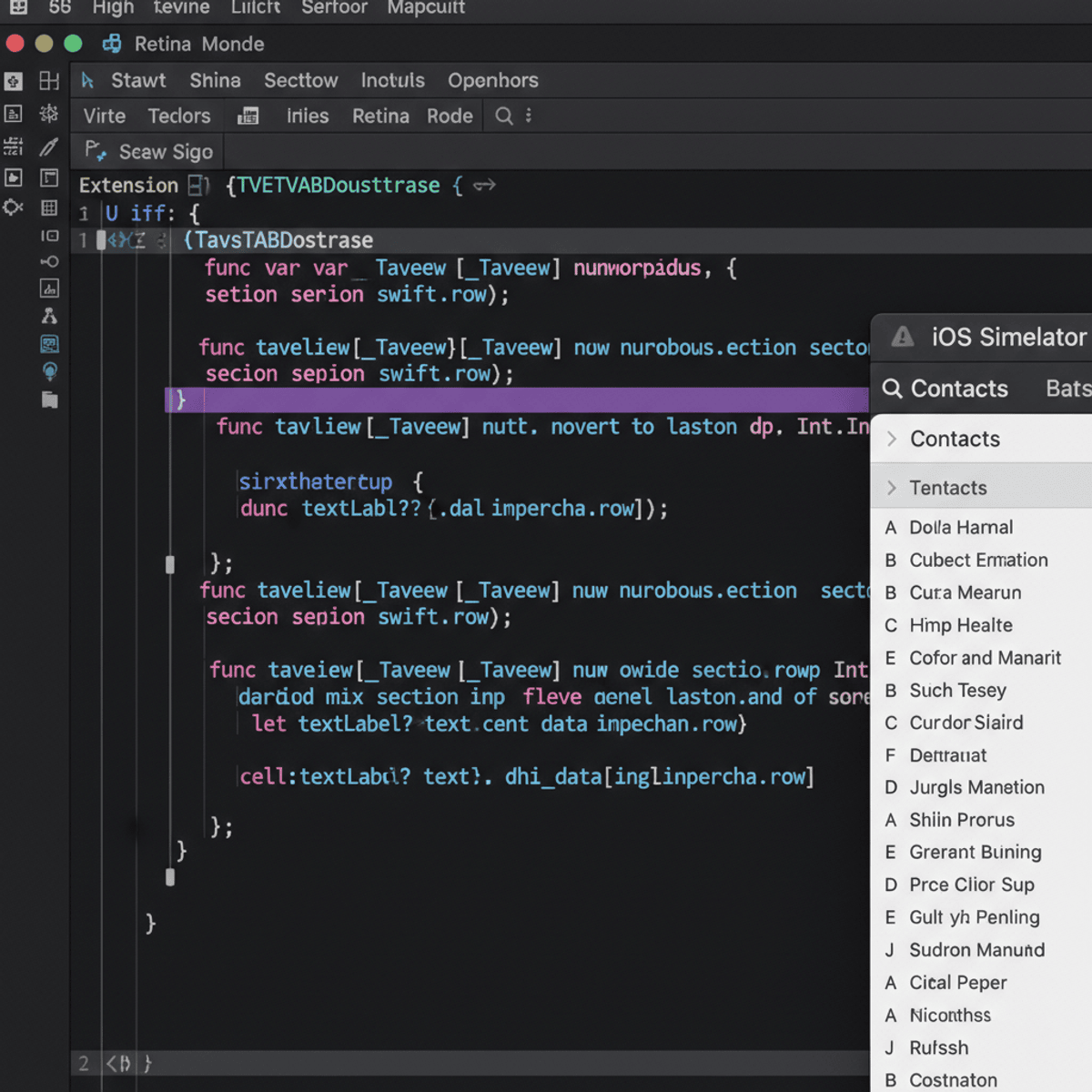
Learners will build, implement, and manage core iOS user interface components using Swift and UIKit to create functional, data-driven mobile applications. By the end of this course, learners will be able to design table views and collection views, navigate between view controllers, manage application lifecycle events, validate user input, and implement dynamic layouts programmatically.
This course provides a structured, hands-on introduction to iOS development fundamentals, focusing on real-world UI patterns such as lists, grids, headers, footers, segmented controls, and reusable cells. Learners gain practical skills in displaying and managing data, customizing table and collection views, and handling user interactions efficiently using industry-standard UIKit practices.
What makes this course unique is its strong emphasis on progressive UI complexity—starting from basic table views and app lifecycle concepts, then advancing to dynamic layouts, custom cells, and programmatic UI creation. Each concept is reinforced through clearly sequenced lessons and applied use cases aligned with professional iOS development workflows.
This course is ideal for beginners and aspiring iOS developers who want to confidently build scalable, well-structured iOS interfaces using Swift and UIKit, preparing them for further mobile app development or entry-level iOS roles.
Watch on External: Coursera ↗
(saves to browser)
Sign in to unlock AI tutor explanation · ⚡30
Related Reads
📰
📰
📰
📰
AI-Ready Infrastructure: A Checklist Before You Scale
Dev.to AI
How I Cut My OpenAI Bill by 97% — The Full Migration Guide
Dev.to · rarenode
Your Website Passed Claude’s Search Test. It Might Still Fail the Other Two
Medium · AI
AI Made Creation Free. Taste Is What's Scarce Now
Forbes Innovation
🎓
Tutor Explanation

 DeepCamp AI