Build Interactive Flutter Apps with Practical UI Design
Skills:
UI Design90%
Key Takeaways
Builds interactive Flutter apps using practical UI design with core widgets, responsive layouts, and navigation
Original Description
By the end of this course, learners will be able to identify Flutter fundamentals, apply core widgets, design responsive layouts, implement navigation, and build interactive mobile app interfaces using modern UI components and animations.
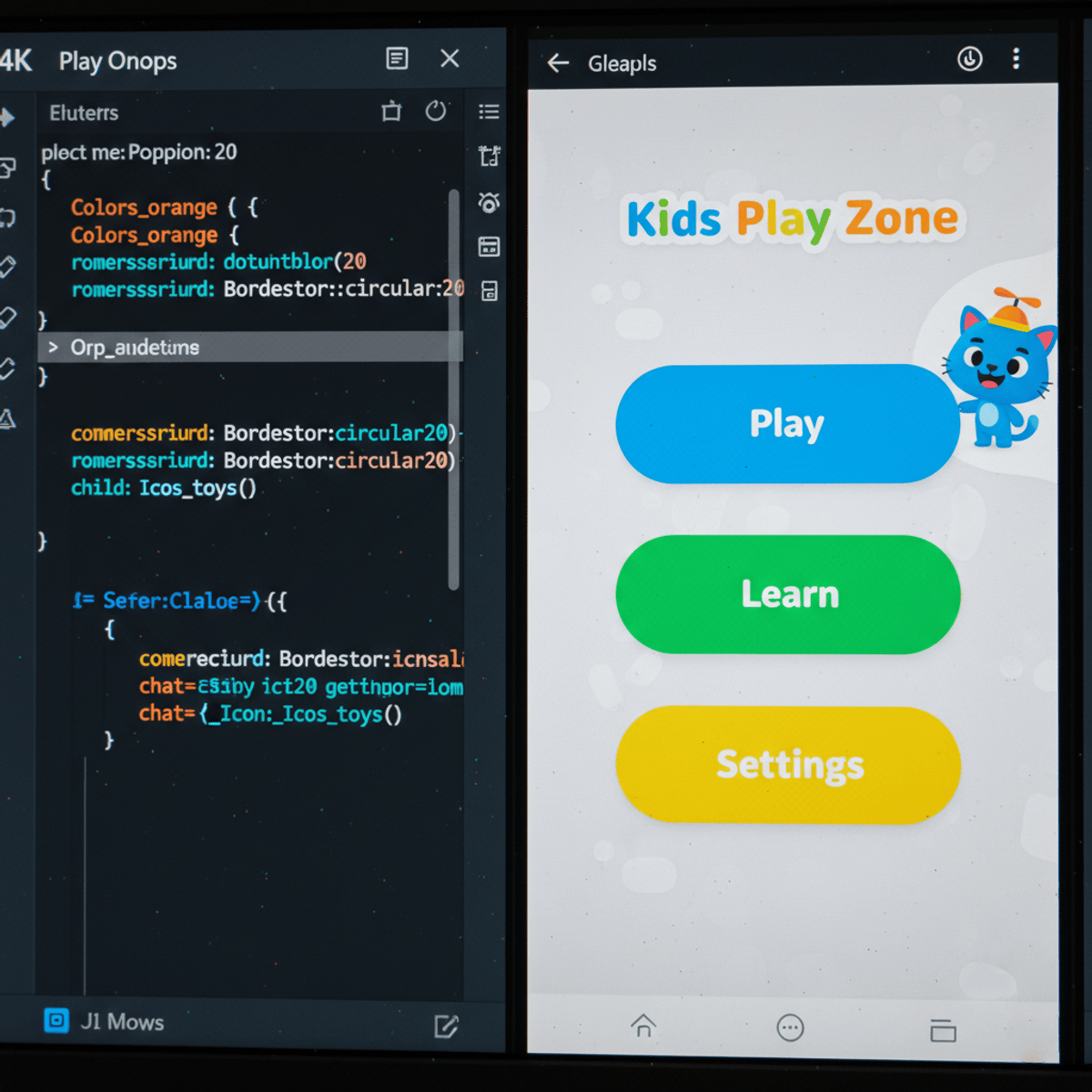
This hands-on course guides learners through the complete development of the Kids Play Zone mobile application, focusing on practical Flutter UI development rather than abstract theory. Starting with project setup and app structure, learners progressively work through layouts, widgets, navigation patterns, animations, and advanced UI effects such as cards, steppers, data tables, and visual filters.
Learners benefit by gaining real-world Flutter development skills that are immediately applicable to building production-ready mobile applications. Each module is structured to reinforce concepts through progressive lessons, quizzes, and graded assessments, ensuring strong retention and confidence.
What makes this course unique is its project-driven approach, child-friendly app theme, and comprehensive coverage of Flutter UI widgets—from basic text and buttons to advanced slivers, animations, and platform-specific designs. With clear learning objectives, structured modules, and practical examples, this course is ideal for beginners and aspiring mobile developers who want to build, design, and enhance Flutter apps effectively.
Watch on External: Coursera ↗
(saves to browser)
Sign in to unlock AI tutor explanation · ⚡30
More on: UI Design
View skill →









Related Reads
📰
📰
📰
📰
Design System — Creating a Typography System
Medium · UX Design
Building Flutter Apps for Foldables and Large Screens
Medium · UX Design
Progressive Disclosure: Why Showing Less Information Increases Comprehension and Conversion
Medium · UX Design
O que realmente perdemos quando um jogo deixa de ter mídia física?
Medium · UX Design
🎓
Tutor Explanation

 DeepCamp AI