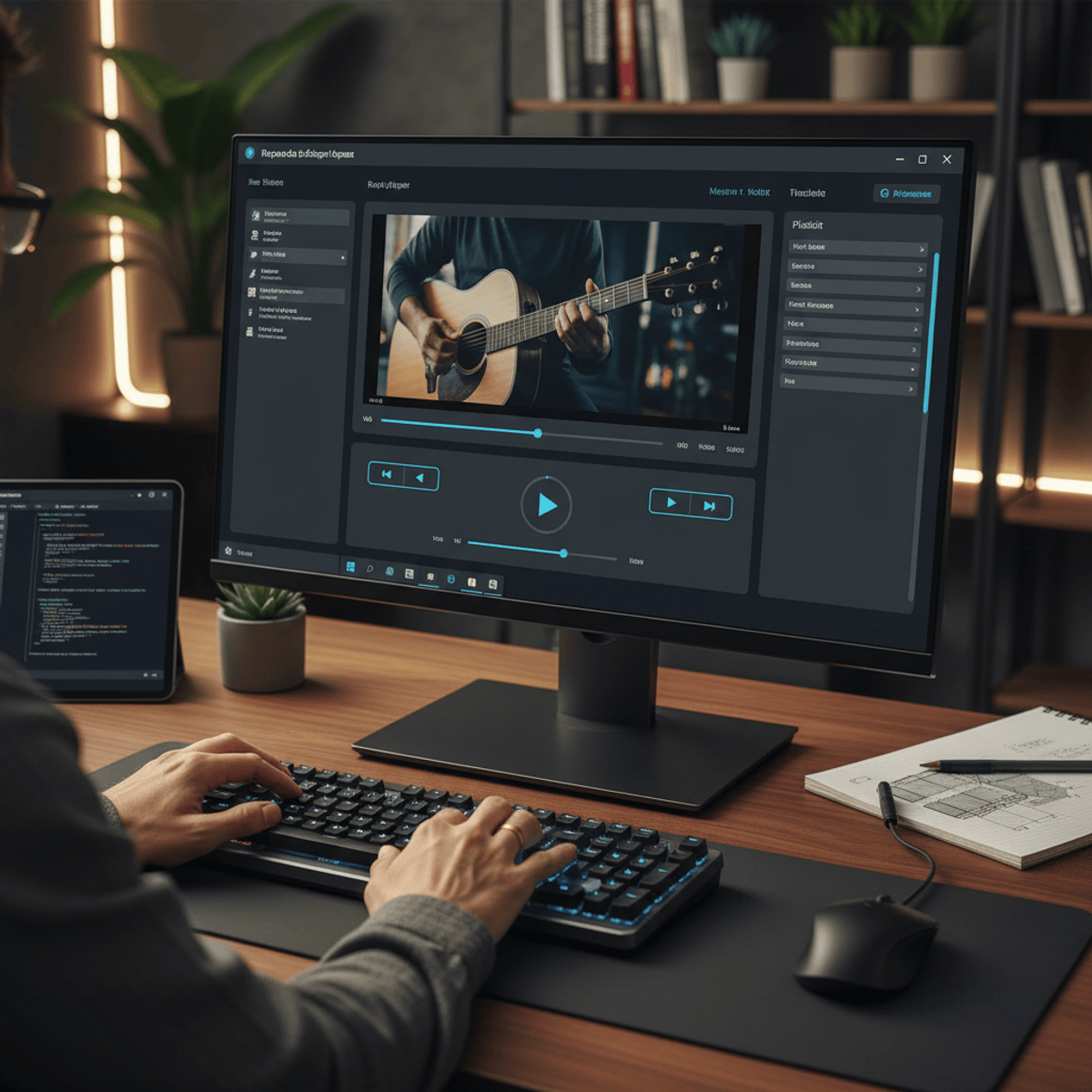
Build a XAML Multimedia Player with WPF
Skills:
UI Design90%
By the end of this course, learners will be able to design a complete WPF multimedia player, build structured user interfaces using XAML, implement media playback features, and control audio and playback behavior through interactive UI components.
This hands-on course guides learners through the end-to-end development of a desktop multimedia player using XAML and WPF. Starting with project setup and interface design, learners progressively build a functional application by integrating user interface controls, file selection mechanisms, progress tracking, media seeking, and volume management. Each concept is demonstrated through practical implementation, ensuring learners understand not only how features work, but why they are used in real-world applications.
What makes this course unique is its project-driven approach, where every lesson contributes directly to a single, cohesive multimedia player application. Instead of isolated examples, learners gain practical experience by developing features commonly found in professional media applications. This course is ideal for beginners and aspiring desktop application developers who want to strengthen their XAML, WPF, and UI design skills through a realistic, portfolio-ready project.
Watch on Coursera ↗
(saves to browser)
Sign in to unlock AI tutor explanation · ⚡30
More on: UI Design
View skill →









Related AI Lessons
⚡
⚡
⚡
⚡
The Complete Guide to 3D Web Design Tools in 2025: From No-Code to Full Framework Control
Medium · Programming
Case Study: Criando Wireframes de Alta Conversão para Campanhas de Pix
Medium · UX Design
Design thinking: The case of an urban mobility app
Medium · UX Design
Google redesigned 13 Workspace icons last week. Here is where to grab the new SVGs.
Dev.to · GDS K S
🎓
Tutor Explanation

 DeepCamp AI