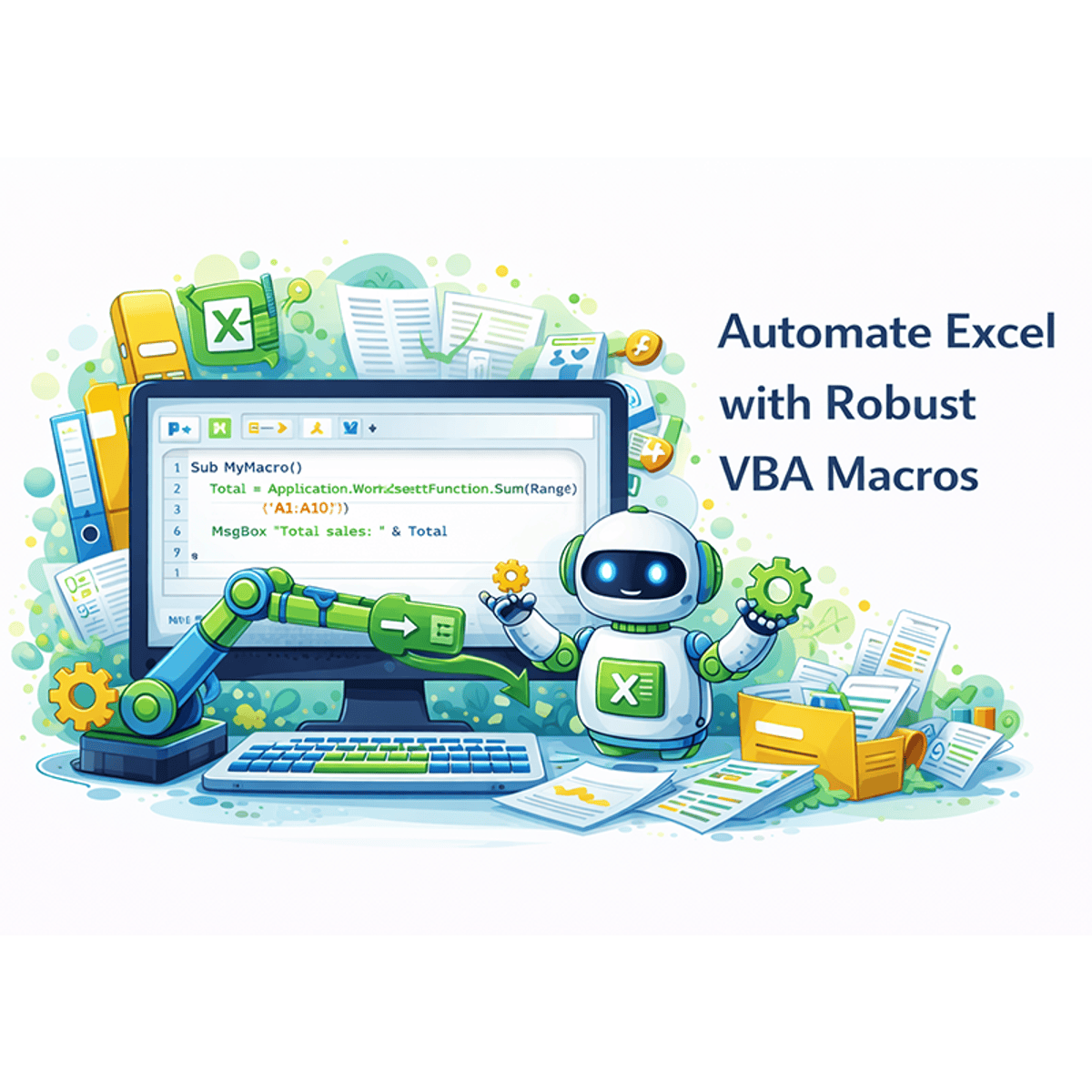
Automate Excel with Robust VBA Macros
Skills:
Data Literacy80%
Key Takeaways
Teaches automating Excel with VBA macros
Original Description
Ready to transform your Excel skills from proficient to powerful? This intermediate course, Automate Excel with Robust VBA Macros, is designed for professionals who want to move beyond manual data wrangling and build resilient, automated solutions. You will learn to eliminate repetitive work by translating complex, manual spreadsheet workflows into efficient VBA scripts. The course emphasizes creating enterprise-grade macros that not only work but also work reliably.
You will dive deep into the principles of robust automation, learning to implement comprehensive error-handling systems that trap runtime errors, log diagnostic details for easy troubleshooting, and display user-friendly messages to guide others. Through a series of practical, hands-on labs directly in Excel, you'll progress from analyzing a manual process to writing structured VBA code and, finally, to fortifying your scripts against real-world problems like missing files or incorrect data. By the end, you'll be equipped to not only automate tasks but to build dependable automation tools that save time, increase accuracy, and add significant value to your organization.
Watch on External: Coursera ↗
(saves to browser)
Sign in to unlock AI tutor explanation · ⚡30
More on: Data Literacy
View skill →









Related Reads
📰
📰
📰
📰
Boosting Startups with Data Science: A Practical Guide to Data-Driven Growth
Medium · Startup
One Lake, Five Patterns: Rethinking the Enterprise Data Foundation
Medium · Data Science
The Python Automation Libraries That Changed How I Build Data Workflows
Medium · Machine Learning
The Python Automation Libraries That Changed How I Build Data Workflows
Medium · Data Science
🎓
Tutor Explanation

 DeepCamp AI