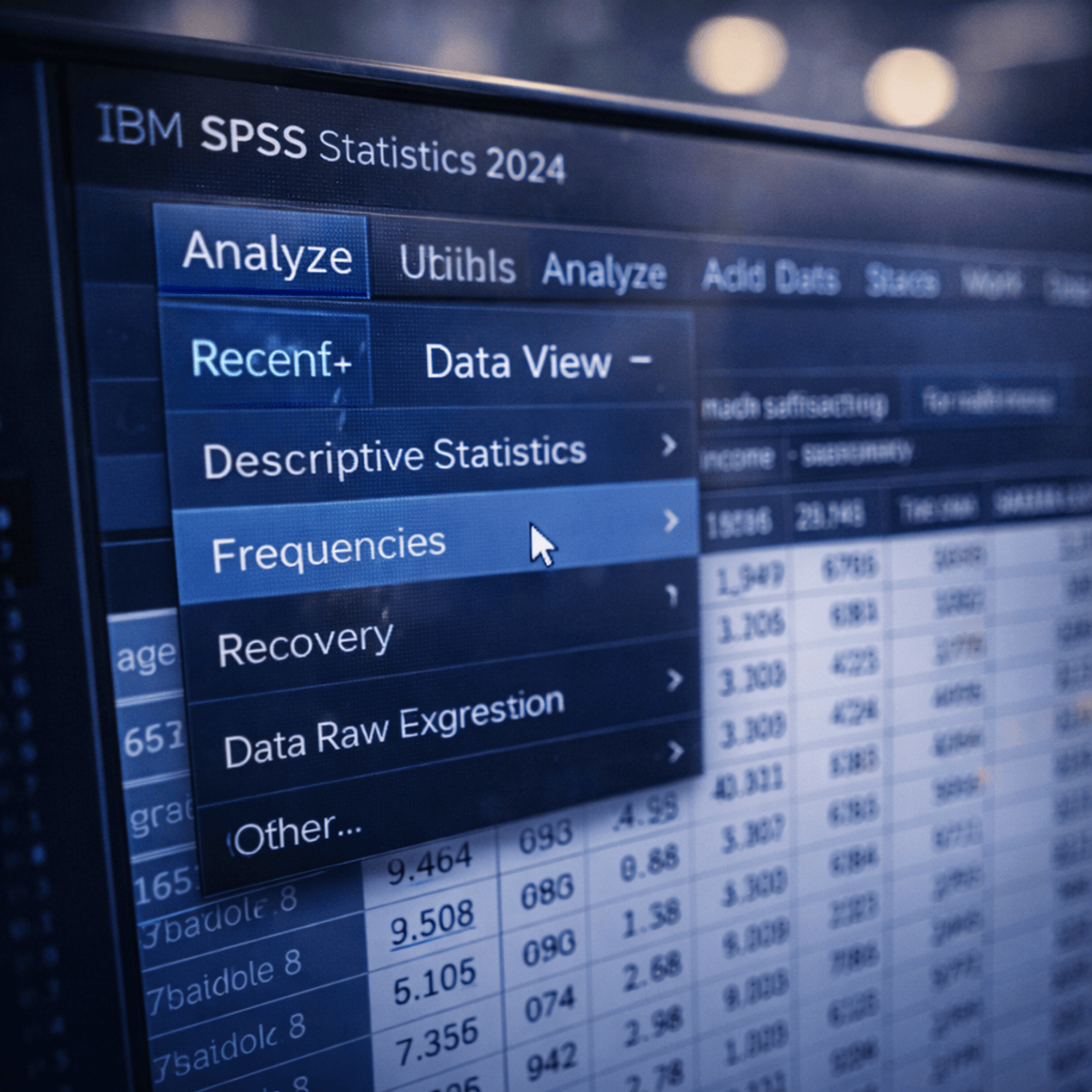
Apply SPSS Fundamentals for Data Analysis
Skills:
Data Literacy80%
Key Takeaways
Applies SPSS fundamentals for data analysis using the SPSS interface and tools
Original Description
Learners will be able to navigate the SPSS interface, manage datasets, perform basic statistical analysis, transform data, create visualizations, and use built-in support tools confidently. This course equips beginners with the essential skills required to work effectively with SPSS through a structured, hands-on, and menu-driven approach.
Designed specifically for beginners, this course introduces SPSS step by step, starting with interface orientation and graphical user interface navigation before progressing to core menus such as File, Edit, View, Analyze, Transform, Graphs, Utilities, and Help. Learners gain practical exposure to managing data, running statistical procedures, modifying variables, and visualizing results without requiring prior programming or statistical expertise.
What makes this course unique is its strong focus on usability and real-world workflow. Instead of overwhelming learners with theory or syntax, the course emphasizes understanding SPSS menus, dialog boxes, and tools exactly as they are used in practice. Clear explanations, guided demonstrations, and logical progression ensure learners build confidence quickly.
By the end of the course, learners will be well prepared to use SPSS for academic, professional, or personal data analysis tasks, forming a solid foundation for advanced statistical learning.
Watch on External: Coursera ↗
(saves to browser)
Sign in to unlock AI tutor explanation · ⚡30
More on: Data Literacy
View skill →









Related Reads
📰
📰
📰
📰
Astryx vs shadcn/ui vs MUI: 3 React design systems compared for 2026
Dev.to · Manu Shukla
The Button That Sent People to a Blank Form
Dev.to · Vicente G. Reyes
How AI is Transforming UX Design in 2026
Dev.to AI
Image Optimization in Next.js 16: The Complete 2026 Guide
Dev.to · Syed Muhammad Ali
🎓
Tutor Explanation

 DeepCamp AI