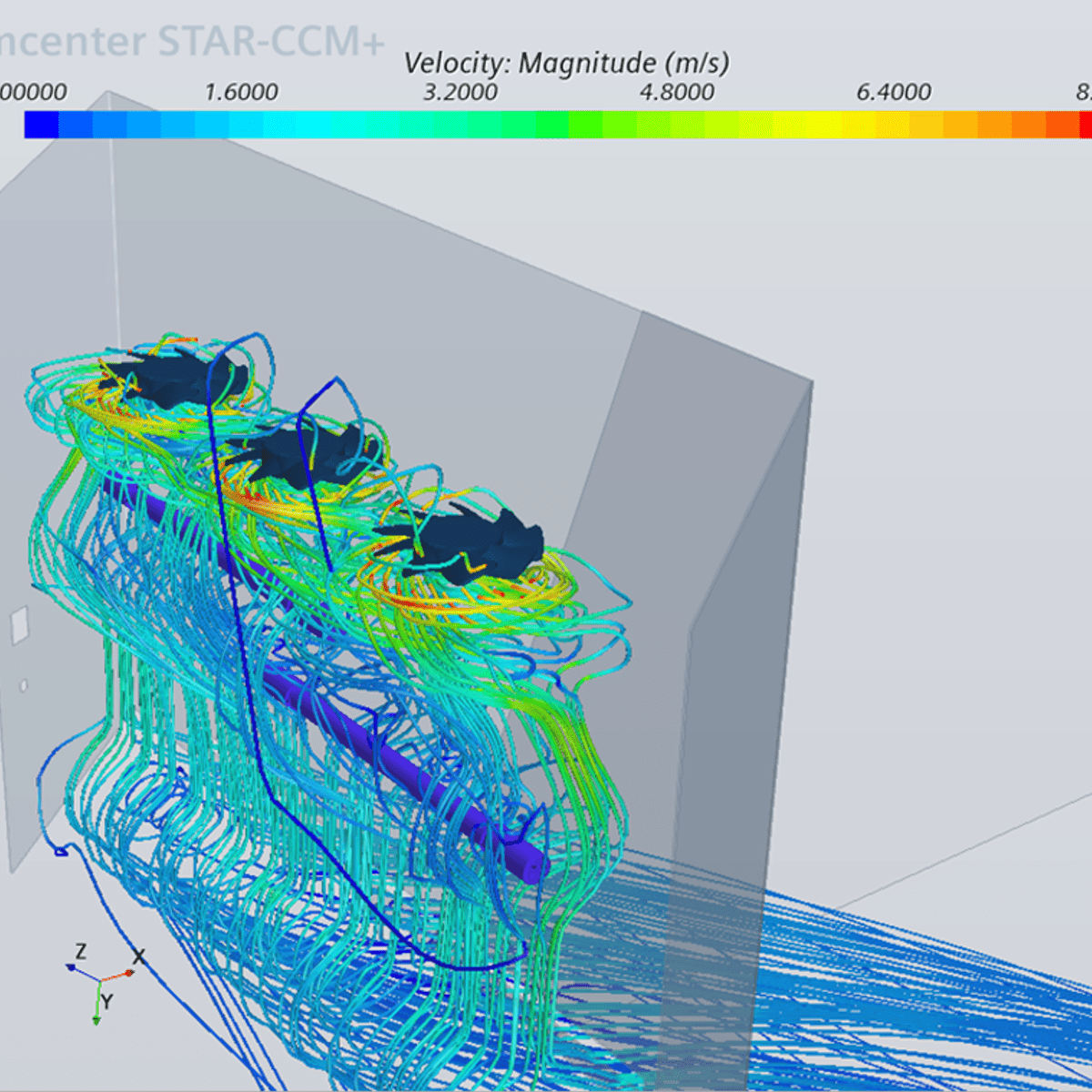
Applied Computational Fluid Dynamics
Key Takeaways
Applies computational fluid dynamics using Simcenter STAR-CCM+ software
Original Description
If you’re reading this, you’re likely interested in exploring applied computational fluid dynamics (CFD) using the Simcenter STAR-CCM+ software or another CFD tool. This course can be a first step in improving your job performance and furthering your career or educational trajectory.
We’ve created this course to help you use the knowledge of flow physics and computational fluid dynamics to obtain quality solutions of flow and heat transfer problems most efficiently. This course is not about instructions on how to use a particular software. Simcenter STAR-CCM+ was used exclusively for all simulations presented in this course. Still, the learning outcomes would be the same if another public or commercial software were used, as long as it has the same capabilities.
Watch on External: Coursera ↗
(saves to browser)
Sign in to unlock AI tutor explanation · ⚡30
Related Reads
📰
📰
📰
📰
React Introduction
Dev.to · Karthick (k)
Why SnapDOM Beats html2canvas for DOM-to-Image Capture
Dev.to · Juan Martin
I built 42 landing page templates as single HTML files (no npm, no build step)
Dev.to · Segcam spa
Part 7B — Section 2 — React Event Handling Explained: Forms, Event Object & User Input.
Medium · JavaScript
🎓
Tutor Explanation

 DeepCamp AI