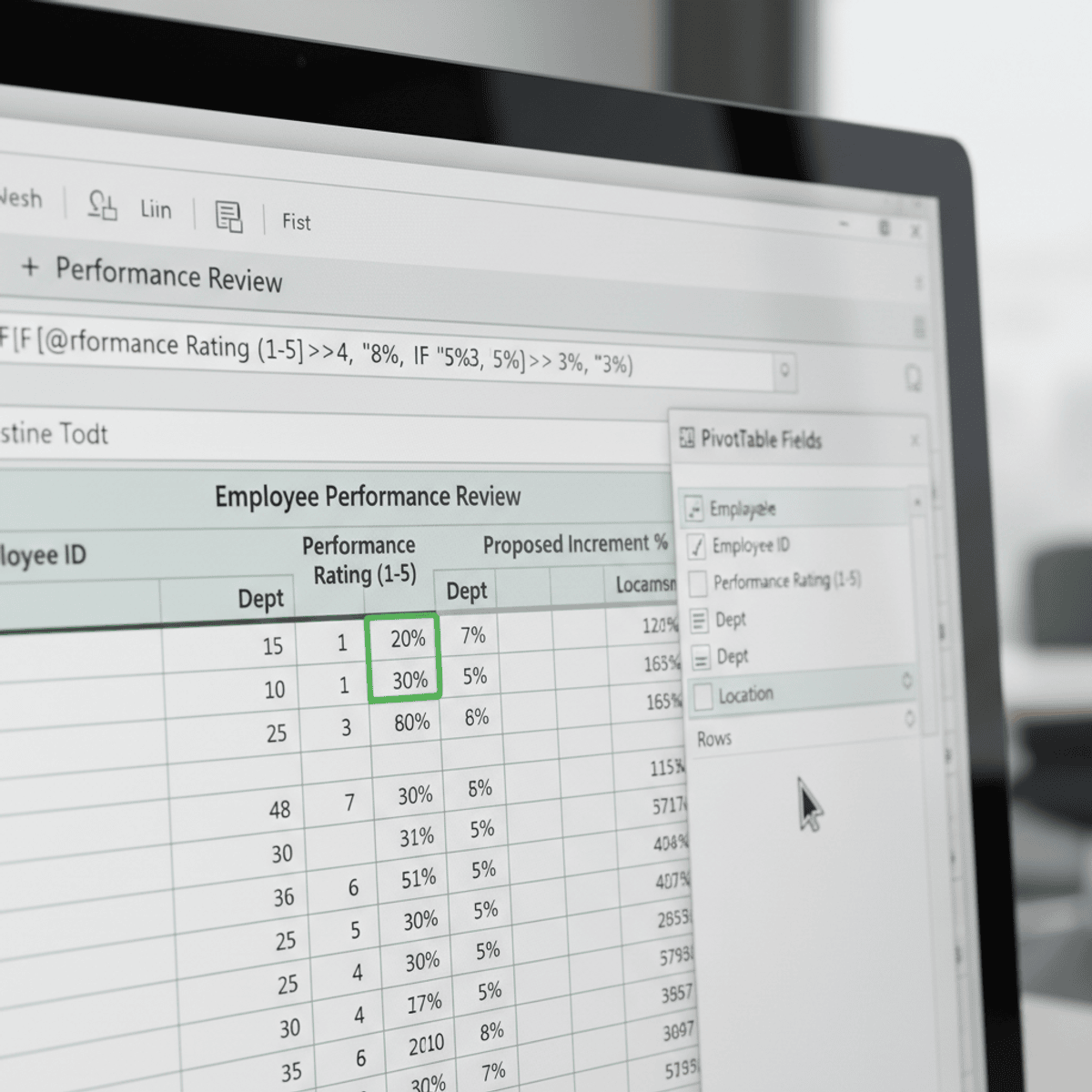
Analyze Employee Performance Using Excel Pivot Tables
Key Takeaways
Builds a Pivot Table using Excel to analyze employee performance data
Original Description
By the end of this course, learners will be able to analyze employee performance data, calculate performance-based increments, build and refine Pivot Tables, compare results across departments and locations, and evaluate budget deviations to support data-driven decisions.
This course provides a practical, hands-on case study focused on employee performance ratings, designed to help learners move beyond basic Excel functions into real-world analytical thinking. Learners will begin by understanding and preparing a structured dataset, applying formulas to compute performance metrics, and visualizing data relationships. The course then guides learners through constructing Pivot Tables to answer business questions, perform comparative analysis, and uncover meaningful performance trends.
What makes this course unique is its end-to-end, scenario-based approach. Instead of isolated Excel features, learners work through a single, coherent business case that mirrors real workplace analysis. Each step builds progressively, reinforcing analytical skills and practical problem-solving.
Upon completion, learners will gain job-relevant Excel skills, improved confidence in performance analysis, and the ability to transform raw HR data into actionable insights—skills directly applicable to roles in business analysis, HR analytics, and operations.
Watch on External: Coursera ↗
(saves to browser)
Sign in to unlock AI tutor explanation · ⚡30
Related Reads
📰
📰
📰
📰
Do Navegador ao Banco de Dados: O Caminho Mais Curto para Tabelas Web
Dev.to · circobit
10 SQL Server Best Practices Every Database Professional Should Follow
Medium · AI
Core Digital Behavior Factors Correlated With Loan Repayment Outcomes
Forbes Innovation
Apache Data Lakehouse Weekly: July 16 to July 23, 2026
Dev.to · Alex Merced
🎓
Tutor Explanation

 DeepCamp AI