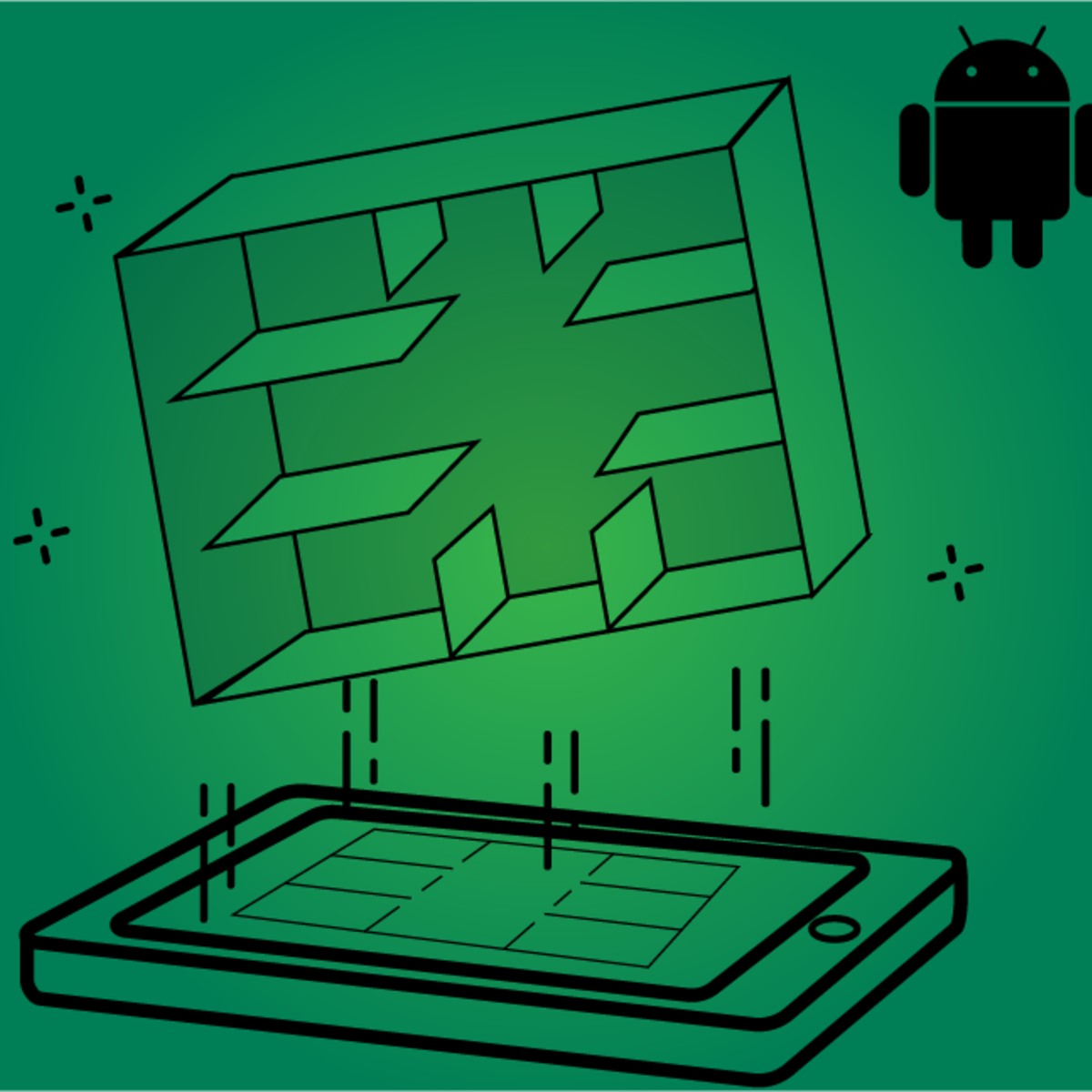
Advanced App Development in Android Capstone
Key Takeaways
Develop an immersive Android app using 3D graphics, sensor control, and VR
Original Description
This capstone project has been designed as an opportunity to practice what you have learned in the first 3 courses of this specialisation. This capstone project consists of 4 assignments. You will have to develop an immersive Android app with the use 3D graphics, sensor control and VR. For the first assignment, you will have to develop a virtual art gallery using the Android Canvas drawing functions introduced in Course 1 "Introduction to Android graphics". The second assignment entails the design and development of a virtual 3D art gallery based on OpenGL ES applying the knowledge and skills acquired in Course 2 "Android Graphics with OpenGL ES". For the third assignment you will create a virtual reality app with your 3D art gallery, using advanced techniques like introducing sensor control, animations, binocular view for VR, lighting effects and texture mapping, based on the knowledge and skills you learned in Course 3 "3D Graphics in Android: Sensors and VR". For the final submission of the capstone project we give you the avenue to combine your creativity with all the knowledge and skills you gained in Android graphics programming from the three first courses. This capstone is intended for learners with basic knowledge in Android app development seeking to develop knowledge in computer graphics and virtual reality in Android. The learners should have completed the 3 courses in this specialisation (i.e. Course 1 "Introduction to Android graphics", Course 2 "Android Graphics with OpenGL ES", and Course 3 "3D Graphics in Android: Sensors and VR") before starting this capstone project.
Watch on External: Coursera ↗
(saves to browser)
Sign in to unlock AI tutor explanation · ⚡30
More on: Agentic Coding
View skill →






Related Reads
📰
📰
📰
📰
How I Added Browser-Based HEIC to JPG Conversion (No Server, No Upload)
Dev.to · Rushikesh Lade
Angular Signals in 2026: From Fundamentals to Architect-Level Patterns
Dev.to · Amanulla Khan
How to embed a widget on any site without CSS collisions (Shadow DOM)
Dev.to · Michael Yousrie
Building a Simple Calculator with HTML, CSS, and JavaScript
Medium · JavaScript
🎓
Tutor Explanation

 DeepCamp AI