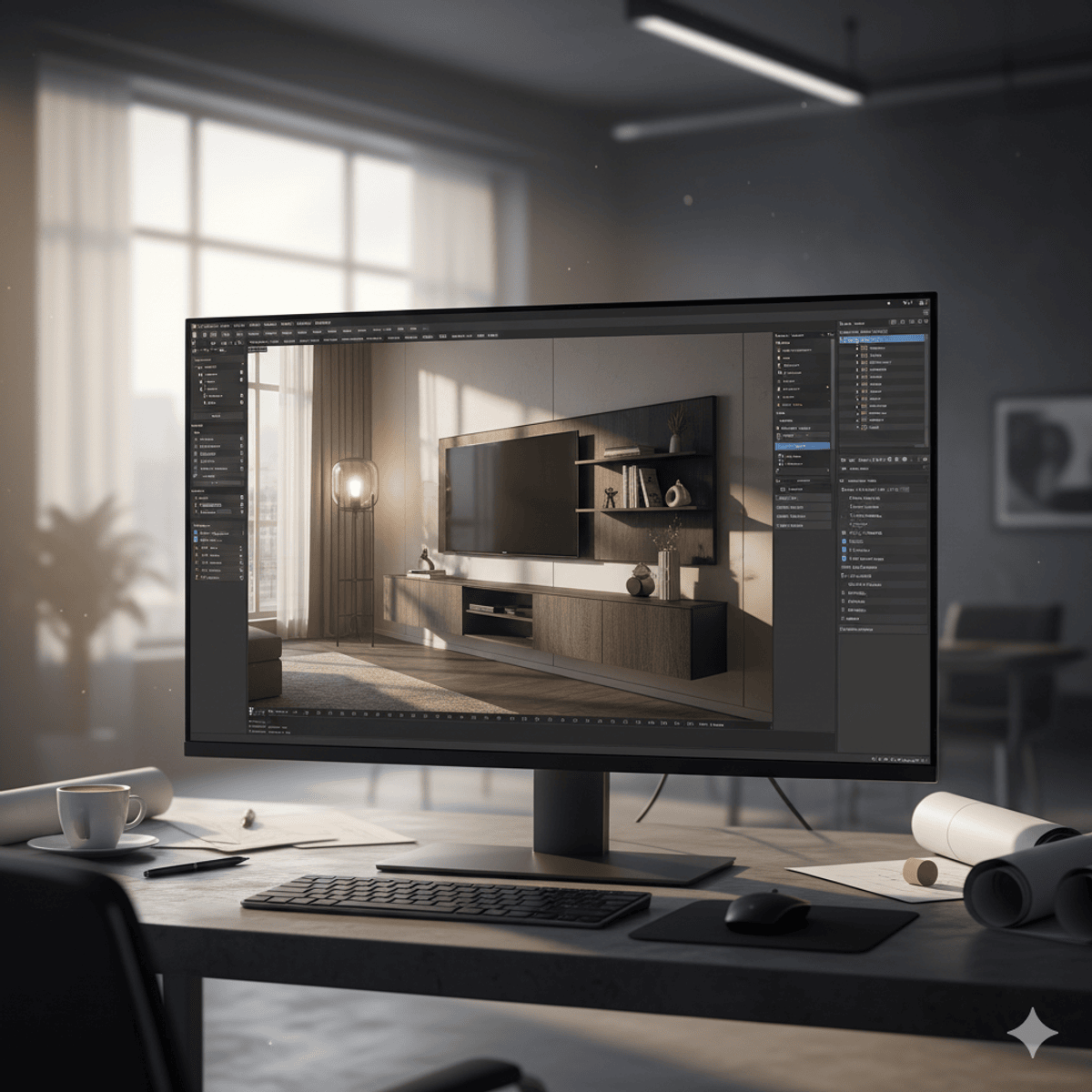
3ds Max Architecture: Model, Texture & Light
Skills:
UI Design90%
Key Takeaways
Models detailed furniture, applies realistic textures, and configures advanced lighting setups in Autodesk 3ds Max
Original Description
By the end of this course, learners will be able to model detailed furniture, apply realistic textures, and configure advanced lighting setups in Autodesk 3ds Max. Through a structured approach, you will construct essential assets such as TV units, tables, lamps, and floor details, while applying UVW mapping, Multi/Sub-Object materials, and PBR texturing workflows to bring surfaces to life. You will also correct UV distortions, simulate realistic glass, and configure skylight and photometric lighting to achieve photorealistic renders.
This course uniquely blends hands-on modeling and texturing with professional lighting practices, ensuring you gain end-to-end expertise in architectural visualization. Whether you are a beginner aspiring to enter the 3D industry or an intermediate learner refining your skills, this course provides a step-by-step roadmap to creating portfolio-ready interior scenes. By completing it, you will not only master essential 3ds Max tools but also develop the confidence to design, texture, and render realistic interiors that meet industry standards.
Watch on External: Coursera ↗
(saves to browser)
Sign in to unlock AI tutor explanation · ⚡30
More on: UI Design
View skill →









Related Reads
📰
📰
📰
📰
Three Token-2022 Mints in One Week: Fees, Yield, and Soulbound
Dev.to · atharv shukla
Maximize Google Workspace AI Power: Safeguard Data and Boost Performance in 2026
Dev.to AI
What is Gemini Spark, and what can it actually do for you?
TechCabal
How I use python to save hours every week
Dev.to AI
🎓
Tutor Explanation

 DeepCamp AI